



URL copied to clipboard

t3headless frontend
56 views
__readtime__ Min
read
Follow the steps below to set up and run the frontend package for your project.
1. Install Frontend Package
Clone the frontend repository to your local system:
Then navigate to the project folder: cd t3headless-frontend
2. Connect TYPO3
1. To connect the frontend with TYPO3: Open the config.js file
2. In you mail you already get that API key and License Key.
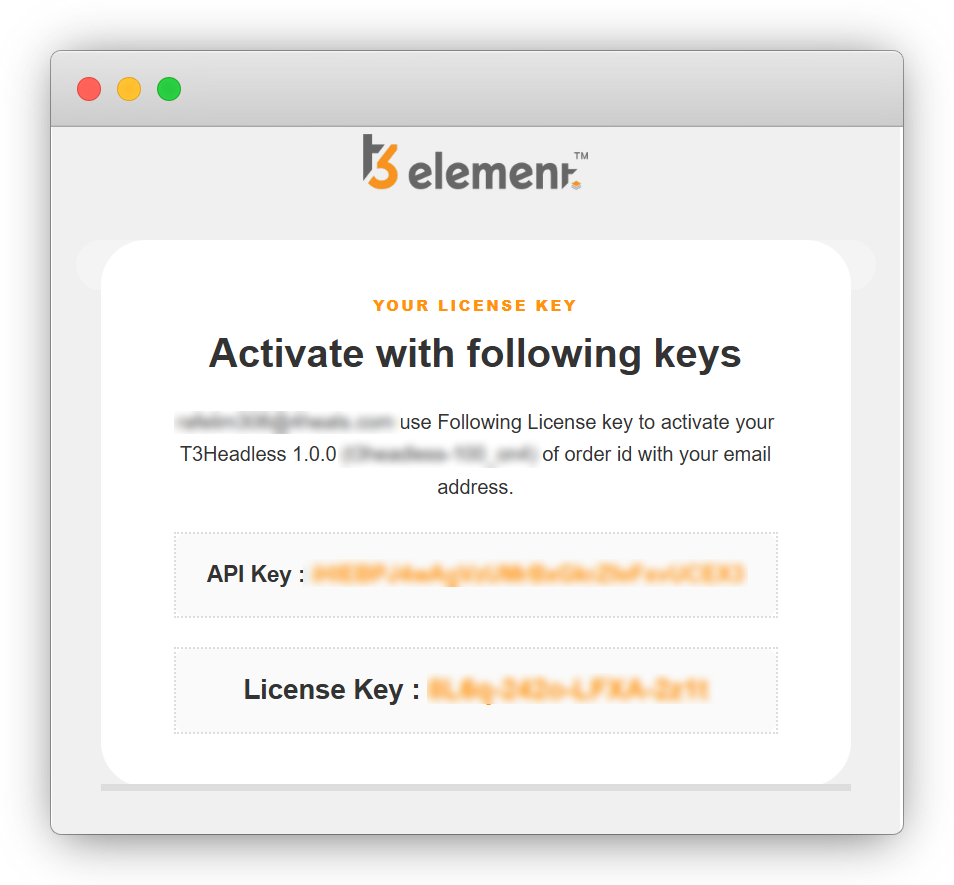
3. Set your API_LICENSE_KEY and API_KEY in config.js file with the valid key provided
This step is required to establish communication between the TYPO3 backend and the frontend application.
You must provide a valid API key and license key to continue with further setup and functionality.
3. Setup t3headless
Run the setup command (only required once on initial time):
- yarn setup / npm run setup
This will:
- Install dependencies
- Initialize the project configuration
- Prepare the environment for development
- Download and configure the package based on the selected license during activation
4. Theme Configuration & Element Generation
To apply or rebuild the theme and UI elements, run:
- yarn themebuild / npm run themebuild
This step updates styles, themes, and generated elements.
5. Build the Project
To create a production-ready build:
- yarn build / npm run build
This compiles and optimizes the frontend for deployment.
6. Serve the Application
To start the application locally:
- yarn start / npm start
The application will run on a local development server, allowing you to view it in your browser.
Notes :
- Run the setup command only once during initial installation.
- Use build before deploying to production.
- Ensure TYPO3 backend is properly configured and accessible.
- After making any changes to elements or theme configuration in TYPO3, always run: yarn themebuild or npm run themebuild
Share



