



URL copied to clipboard

How to use the “Backend Module”?
39 views
__readtime__ Min
read
1. At the time of creating the extension, in the last step, we checked the checkbox of the tables “Products” and “Contact” to add these tables in the backend module to list the data of corresponding tables.
2. So we got those backend modules when we installed the extension.
3. You can see the backend module in the screenshots below and the tables “Products” and “Contact”.
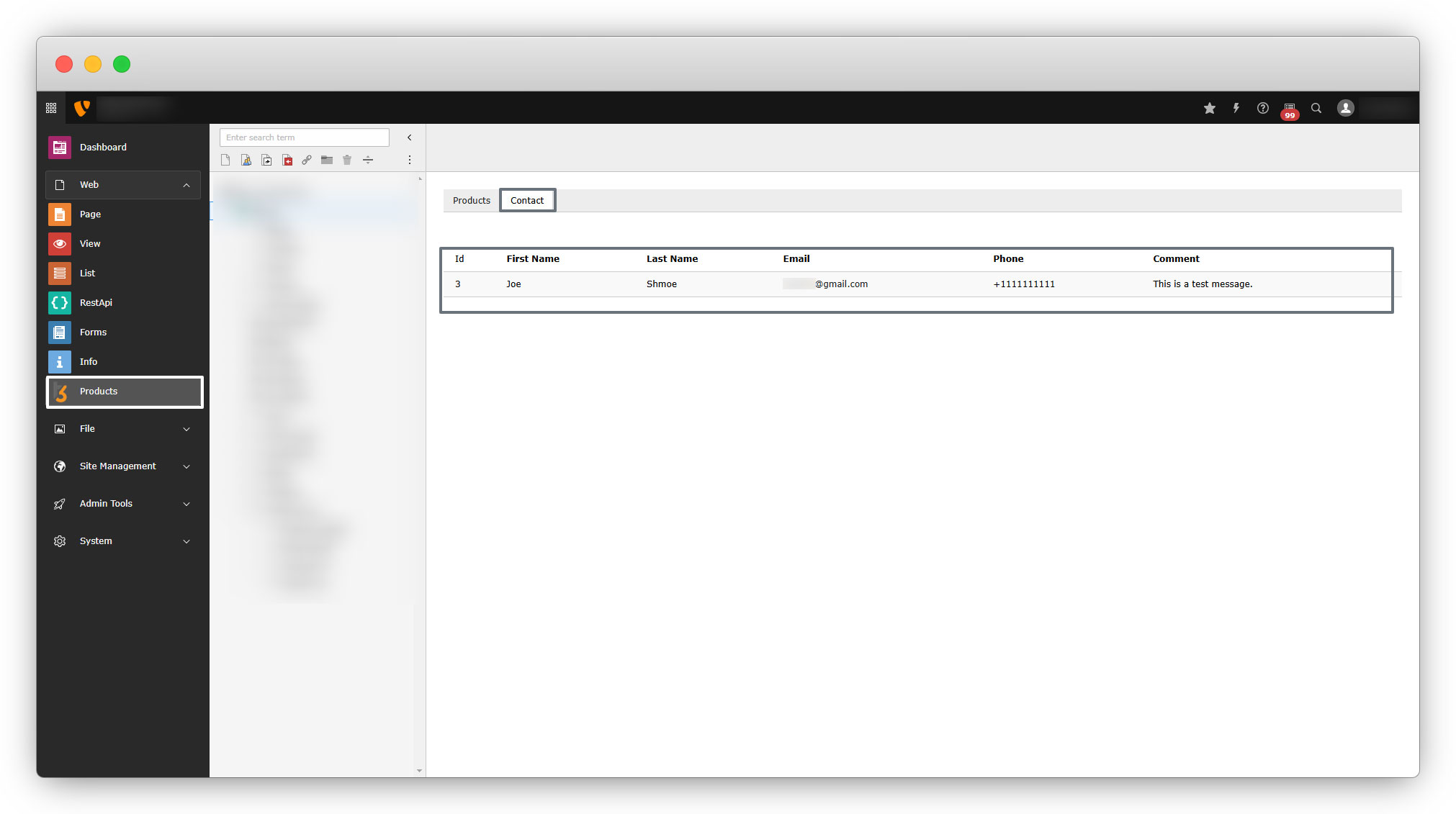
4. Here you can see the details of your tables in a list form. Within this extension, the backend module is a user-friendly option to see all the table data in a list form.
Share



