



URL copied to clipboard

Access Tab
3 views
__readtime__ Min
read
The Access tab controls the accessibility of the news item.
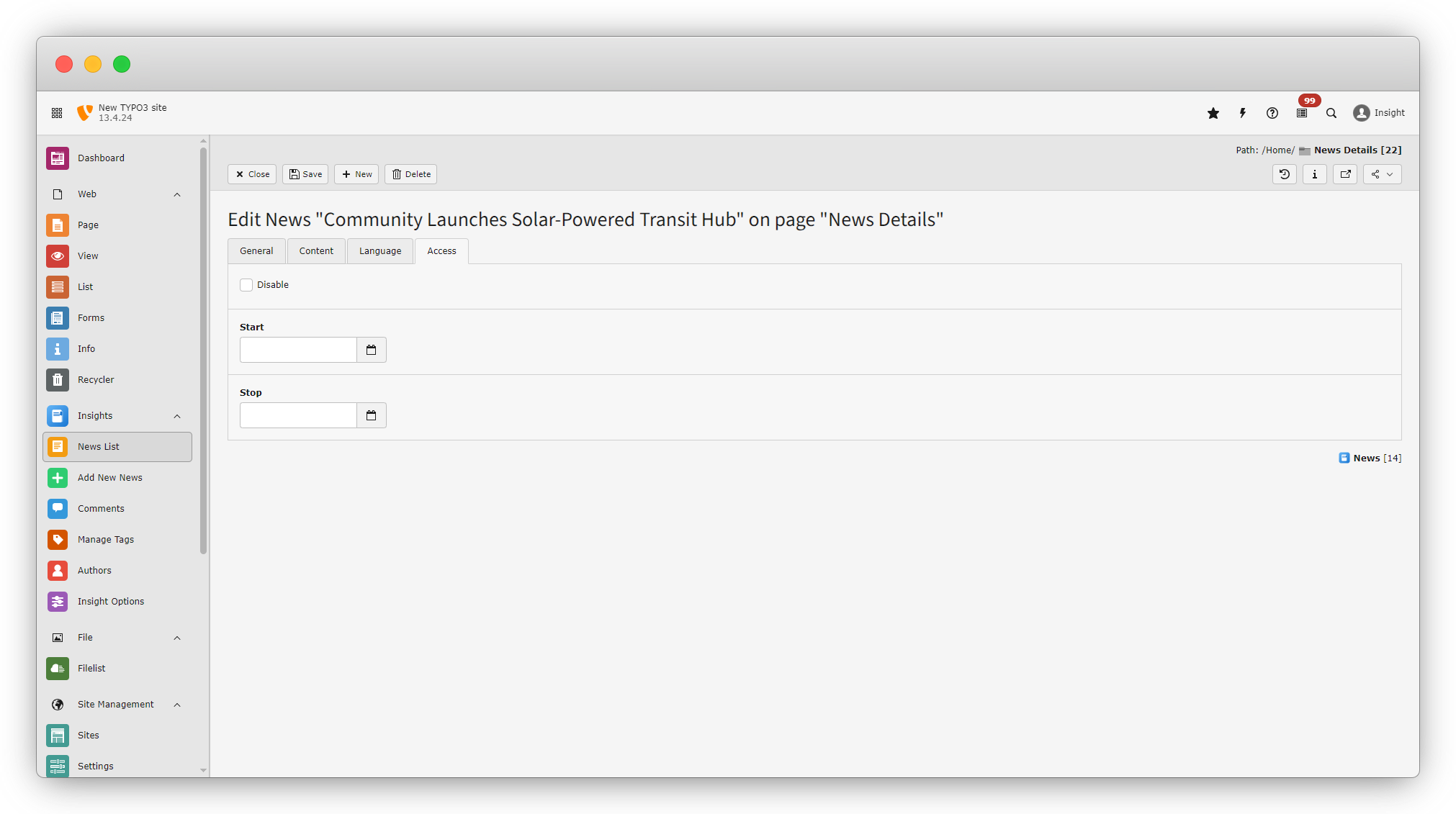
It has three fields:
- Disabled (checkbox): Used to disable the news.
- Start Date (date picker): Specifies the date from which the news will be visible.
- Stop Date (date picker): Specifies the date until which the news will be visible.
Common Mistakes to Avoid
- Forgetting to enable Publish
- Missing Publish Date
- Using very long titles.
- Uploading very large images.
Quick Checklist Before Saving
- Title added
- Description filled
- Publish enabled
- Category selected
- Publish date checked
- Thumbnail uploaded (optional)
- Enable List and detail view of thumbnail
Share



