



URL copied to clipboard

7 views
__readtime__ Min
read
You can use our extension builder to create the TYPO3 extensions. By using the extension builder, you will avoid the typical process of creating the TYPO3 extension. You will have to just add the details for your extension into the UI of the extension builder including the basic information, models/tables for your extension, add plugins, etc. You must be a registered user of the extension builder in order to use it. Let’s see how to use our extension builder.
1. Open the URL https://user.t3marketplace.com/sign-in
2. Log in with your credentials if you are already a user.

3. Or create an account by registration.

4. Fill up all the details to complete your registration as seen in the screenshot above, as you submit the form, you will get a verification mail.
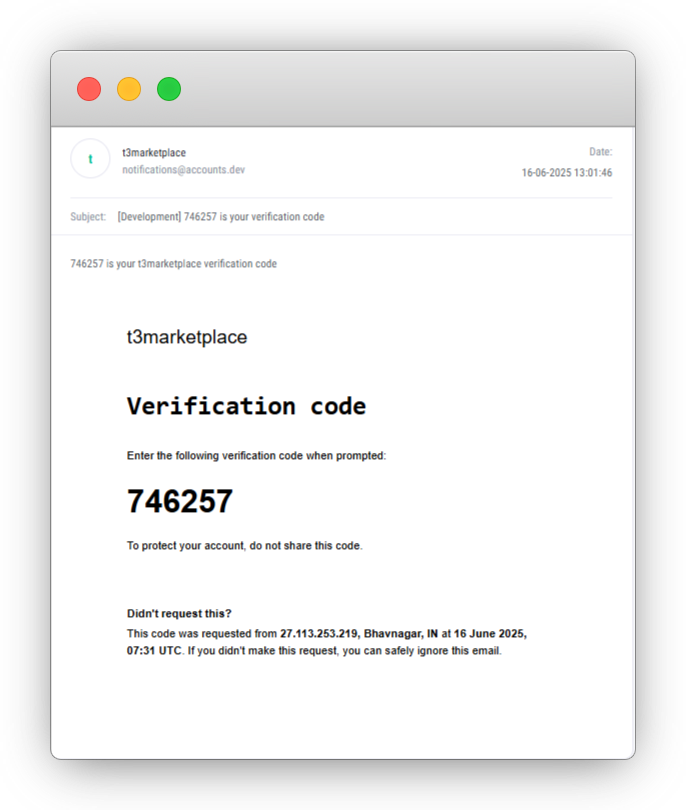
Enter OTP in below screen:

Click on the “Verify” button, and your account will be verified, and your registration is completed here.
5. After registration, you will be redirected to https://user.t3marketplace.com/user and you will see the below screen for fill required fields:

6. After complete your profile you can access all other pages, Here you can change name, company name, city and country also on right side you can change password.
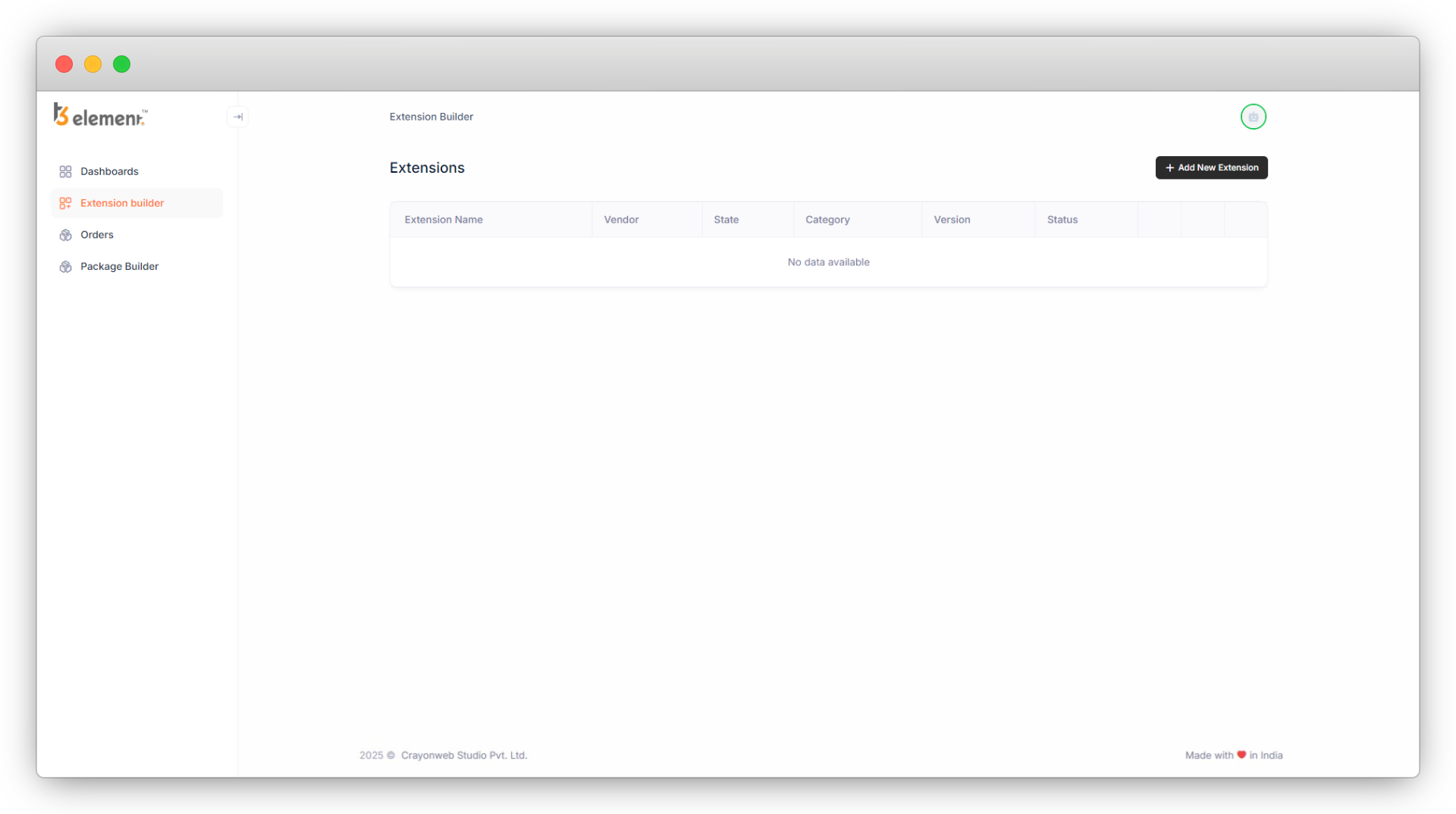
7. On the left side you can see the sidebar, just below the Dashboard tab, you’ll see the Extension Builder tab. Click on it.
Share



