



URL copied to clipboard

8 views
__readtime__ Min
read
1. Open the URL https://user.t3marketplace.com/sign-in
2. Log in with your credentials if you are already a user.
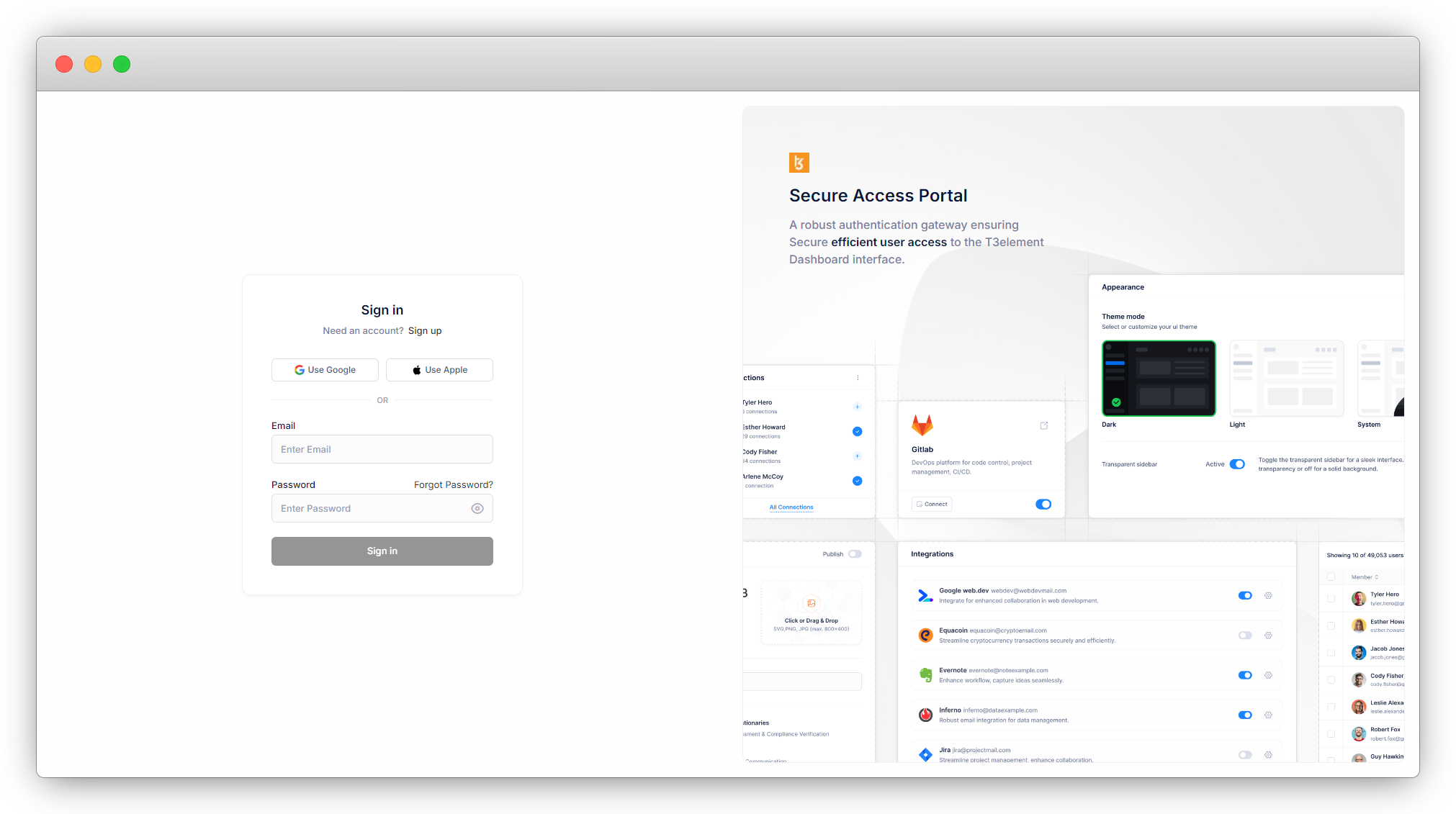
3. Or create an account by registration. Here are the steps for registration.
3.1. Open URL https://user.t3marketplace.com/sign-up.
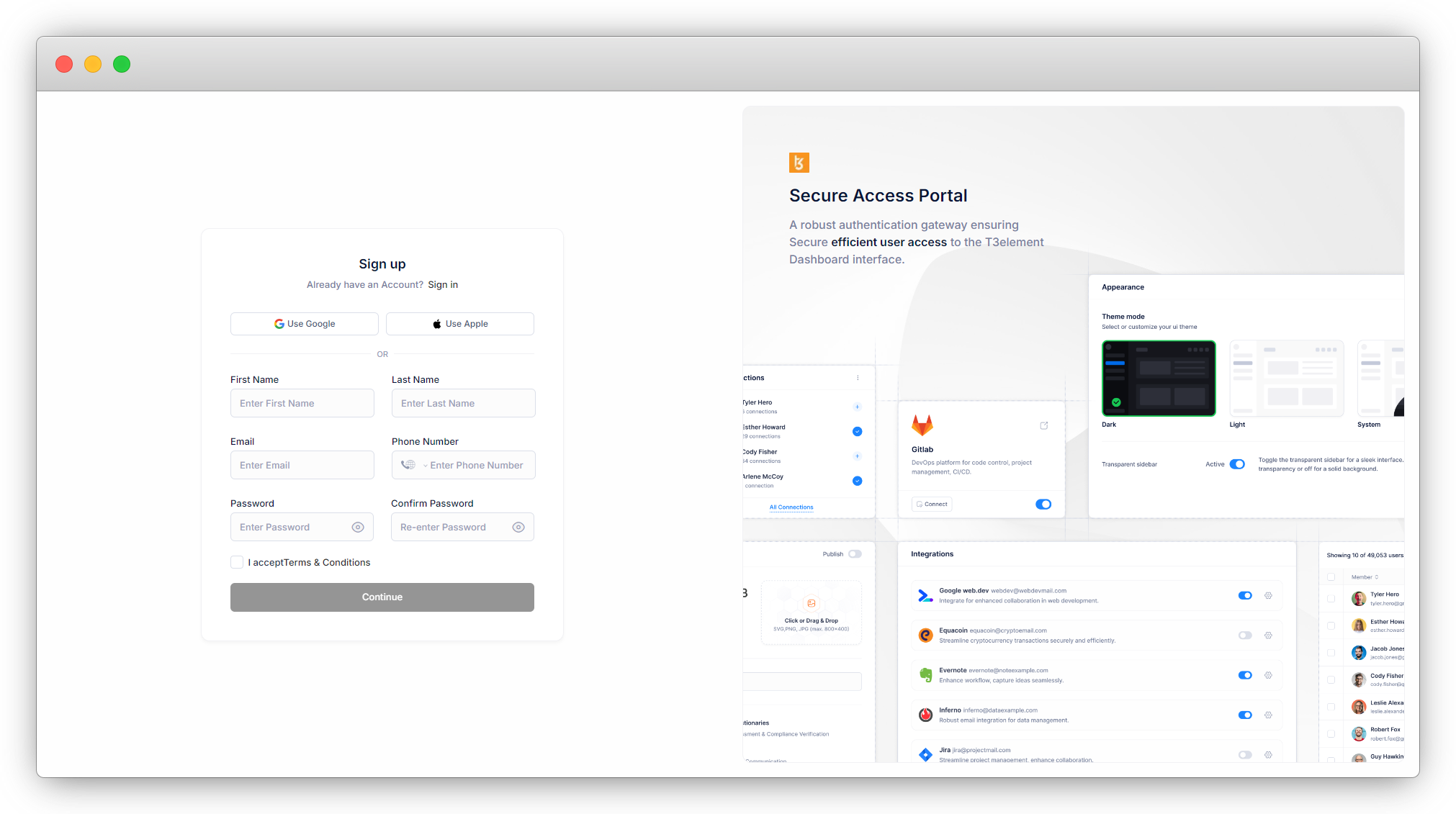
Fill up the all details like First Name, Last Name, Email, Phone Number, Password, Confirm Password in this to complete your registration.
3.2. After Click on continue button you got a mail with OTP.
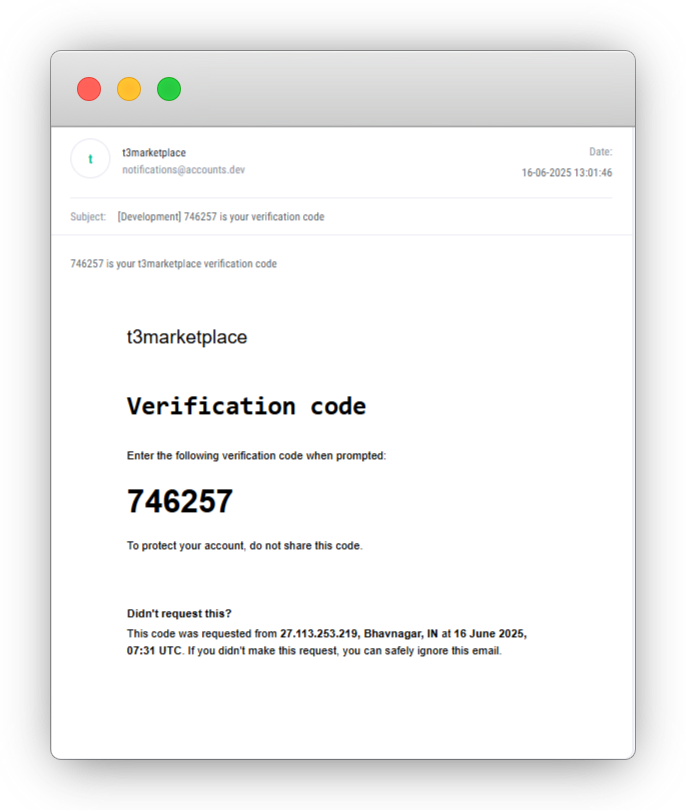
3.3. Enter OTP in below screen.
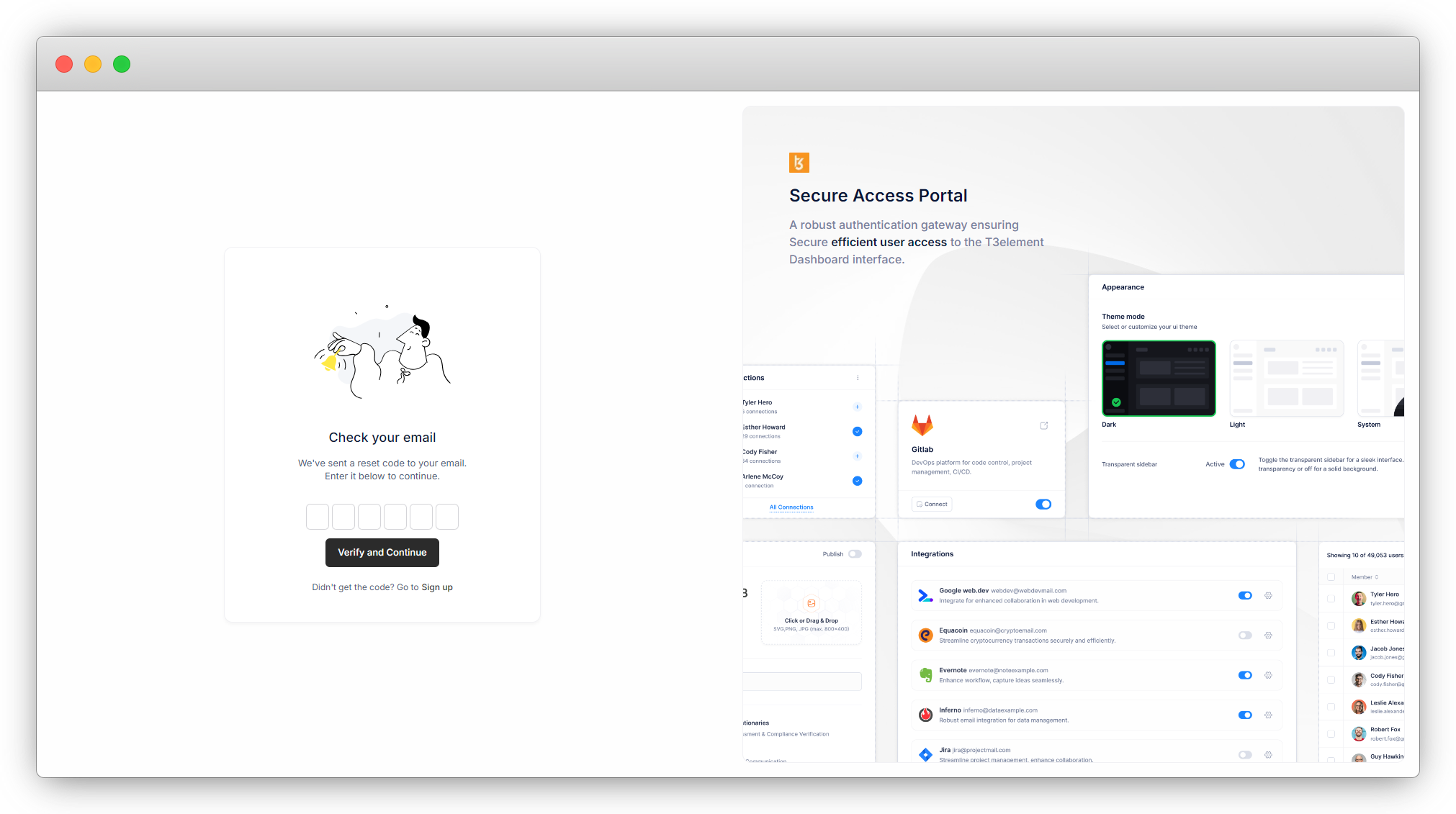
Click on the “Verify and Continue” button, and your account will be verified, and your registration is completed here.
3.4. After registration, you will be redirected to this screen and you will see the below screen for fill required fields:
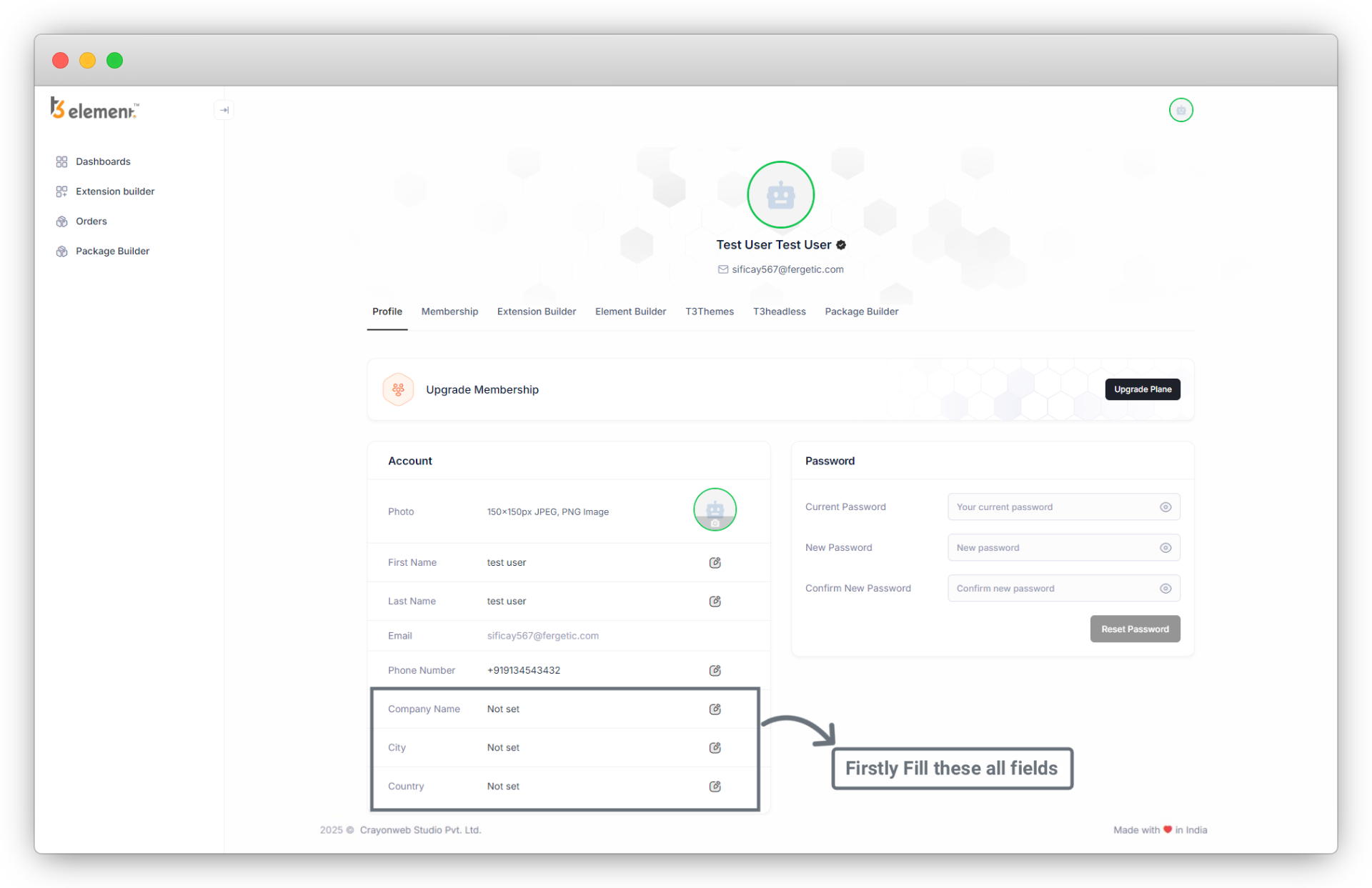
3.5. Hurray!! You are registered now.
3.6. After complete your profile you can access all other pages, Here you can change name, company name, city and country also on right side you can change password.
Share



