



URL copied to clipboard

6 views
__readtime__ Min
read
1. You will see the below screen in the last tab.
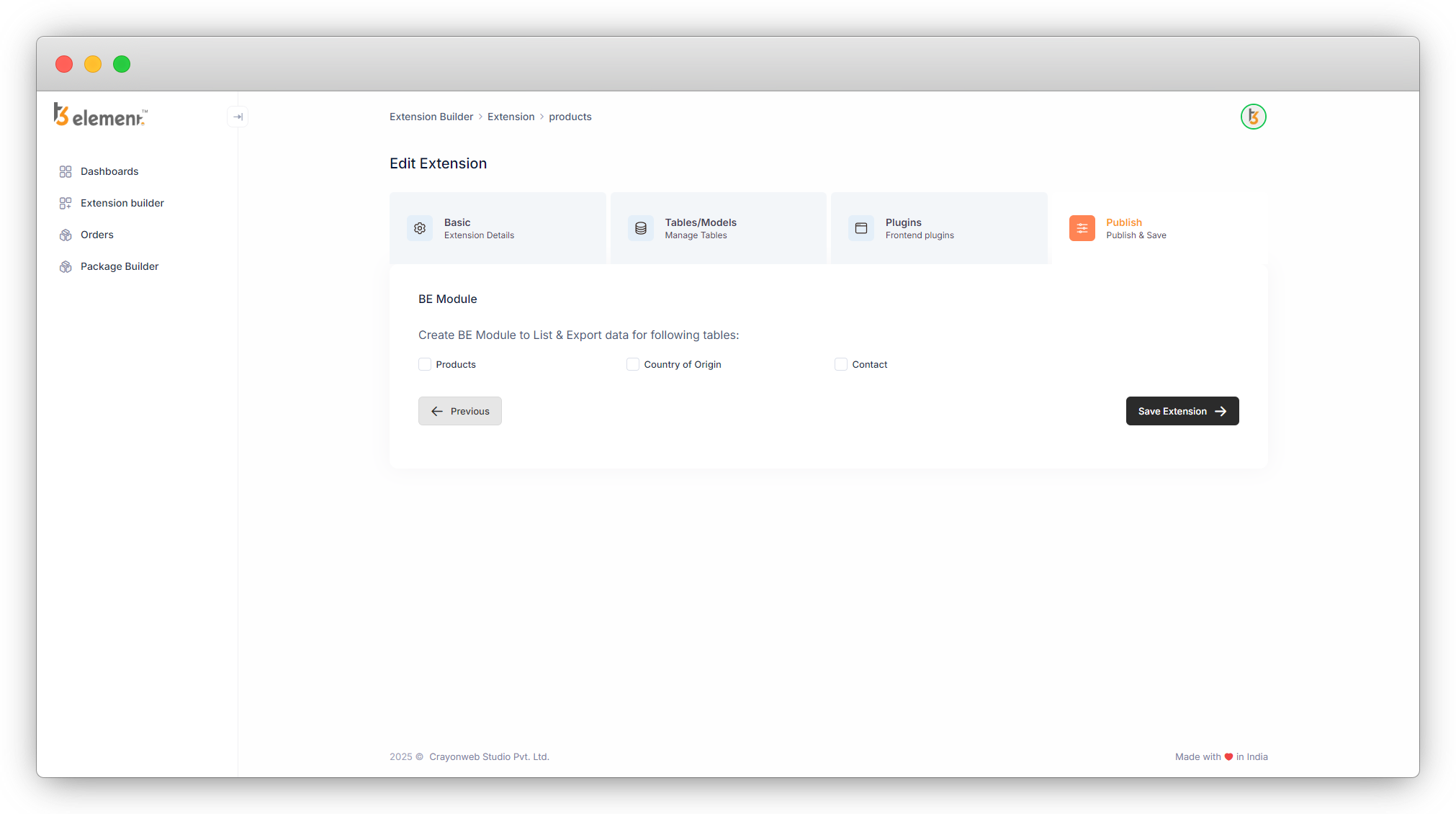
2. Here you will get an option to create the backend modules of the tables you have created in this extension. Here we have 3 tables in this extension and those are “Products”, “Country of Origin” and “Contact”. If we create the backend module for any table, we will see the list of those tables in the corresponding backend module, so it will be a user-friendly option to check the product list, list of countries, and list of contacts.
3. Let’s create the backend module of “Products” and “Contact” by checking the checkbox of them, and we will not check the “Country of Origin” table.
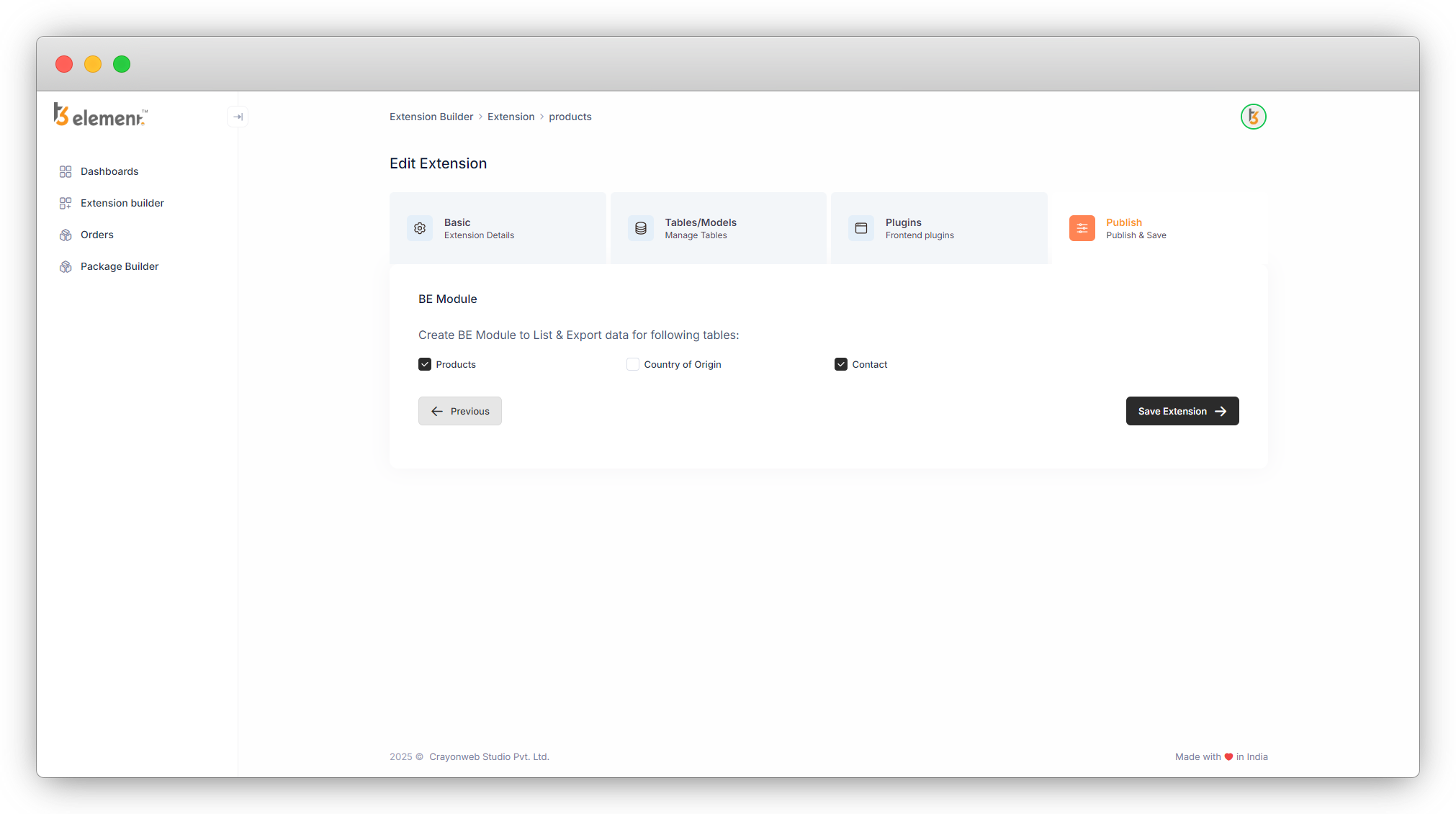
4. Then click on the “Save Extension” button, and you will be redirected to the extension list.
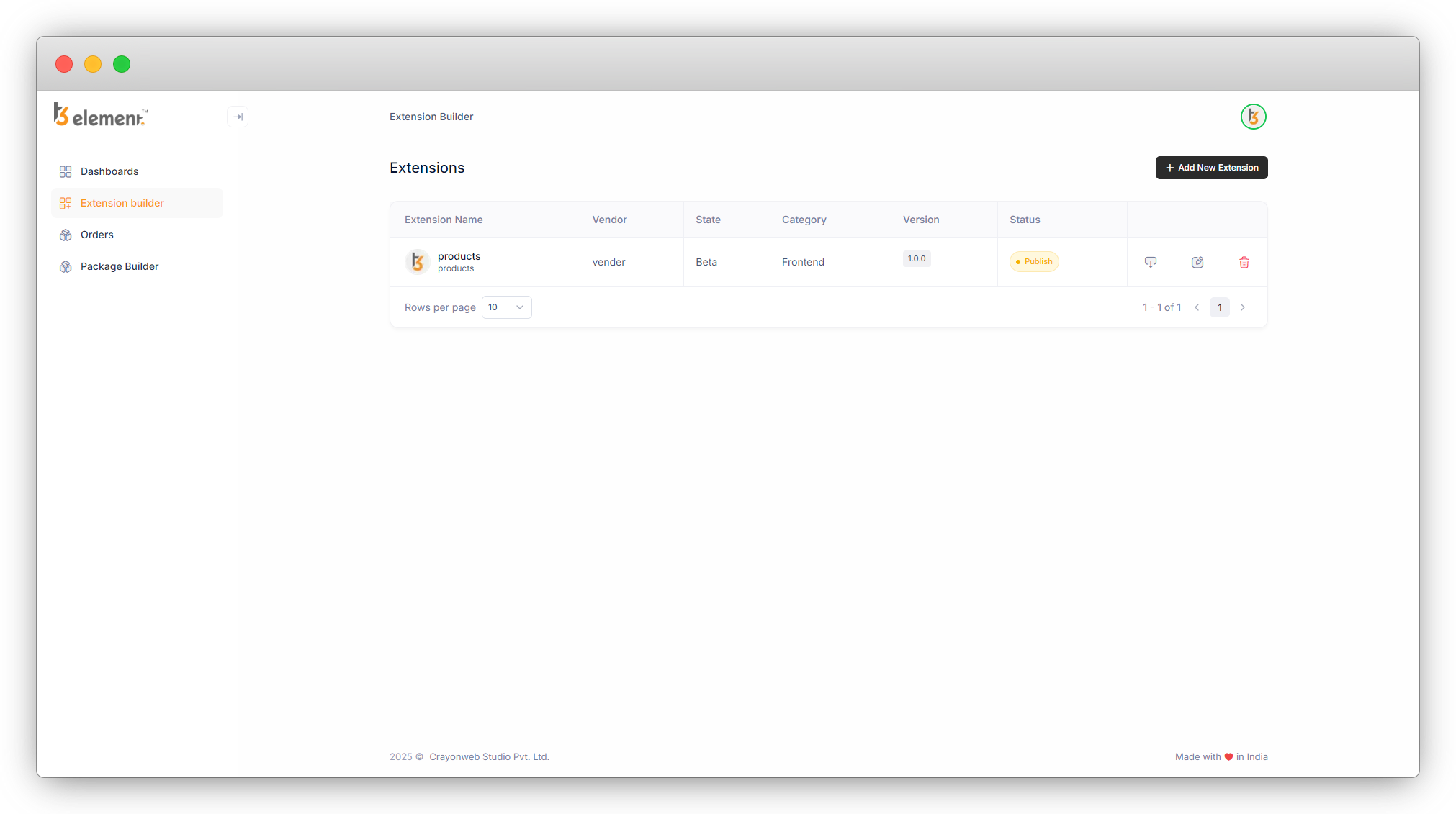
5. Download the extension now and upload it to the TYPO3 setup.
6. If in your typo3 setup, you already have installed this extension, you can overwrite the extension also.
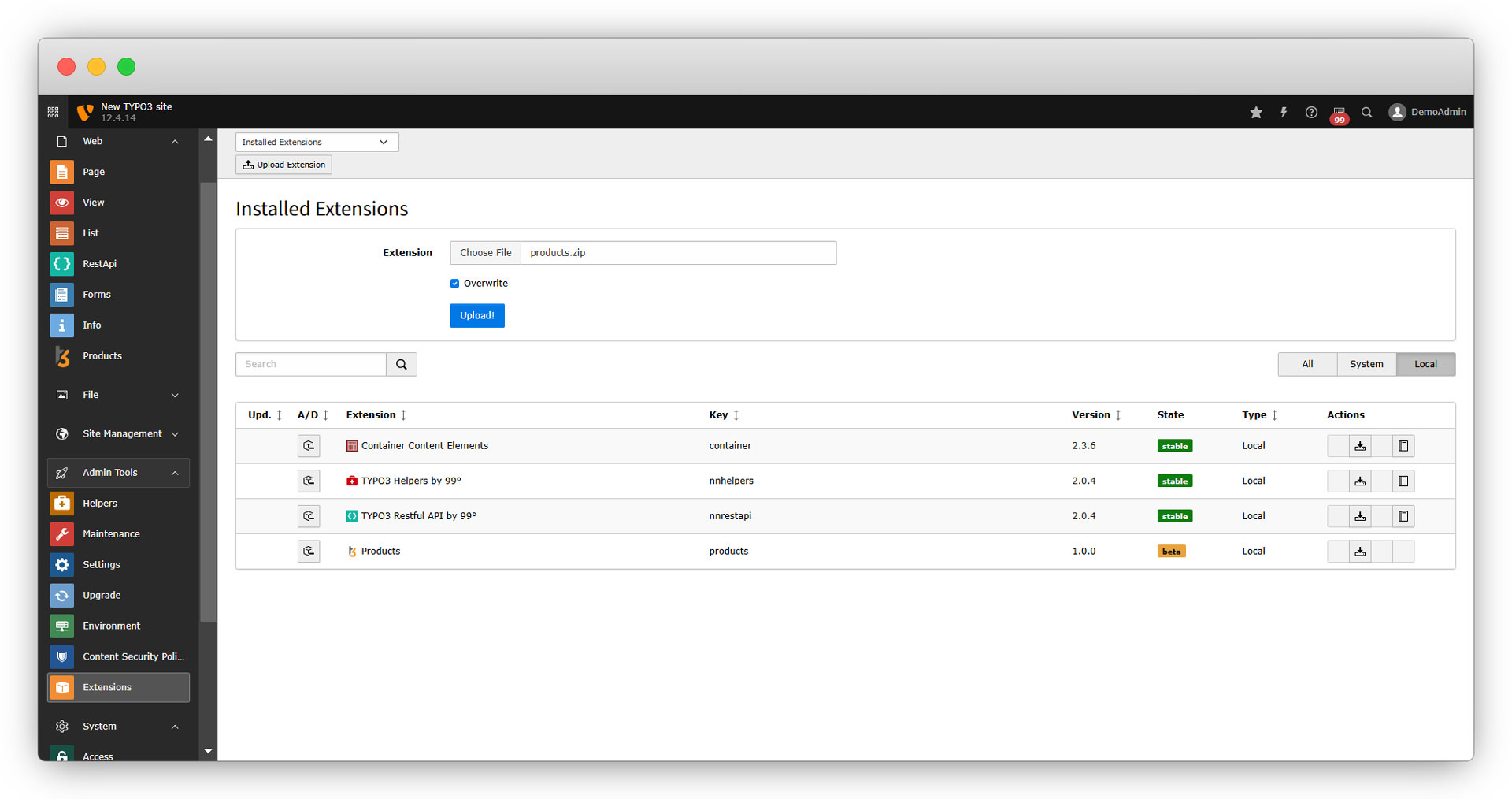
7. After overwriting the extension, deactivate it and activate it again to avoid any field mismatch error.
8. Now let’s start to use the extension.
Share



