



URL copied to clipboard

How to create a package
7 views
__readtime__ Min
read
After registration, you can create your package, and in that package, you can create your custom elements. You can add multiple custom elements in one package and you can add multiple packages too. Create your package by following below steps:
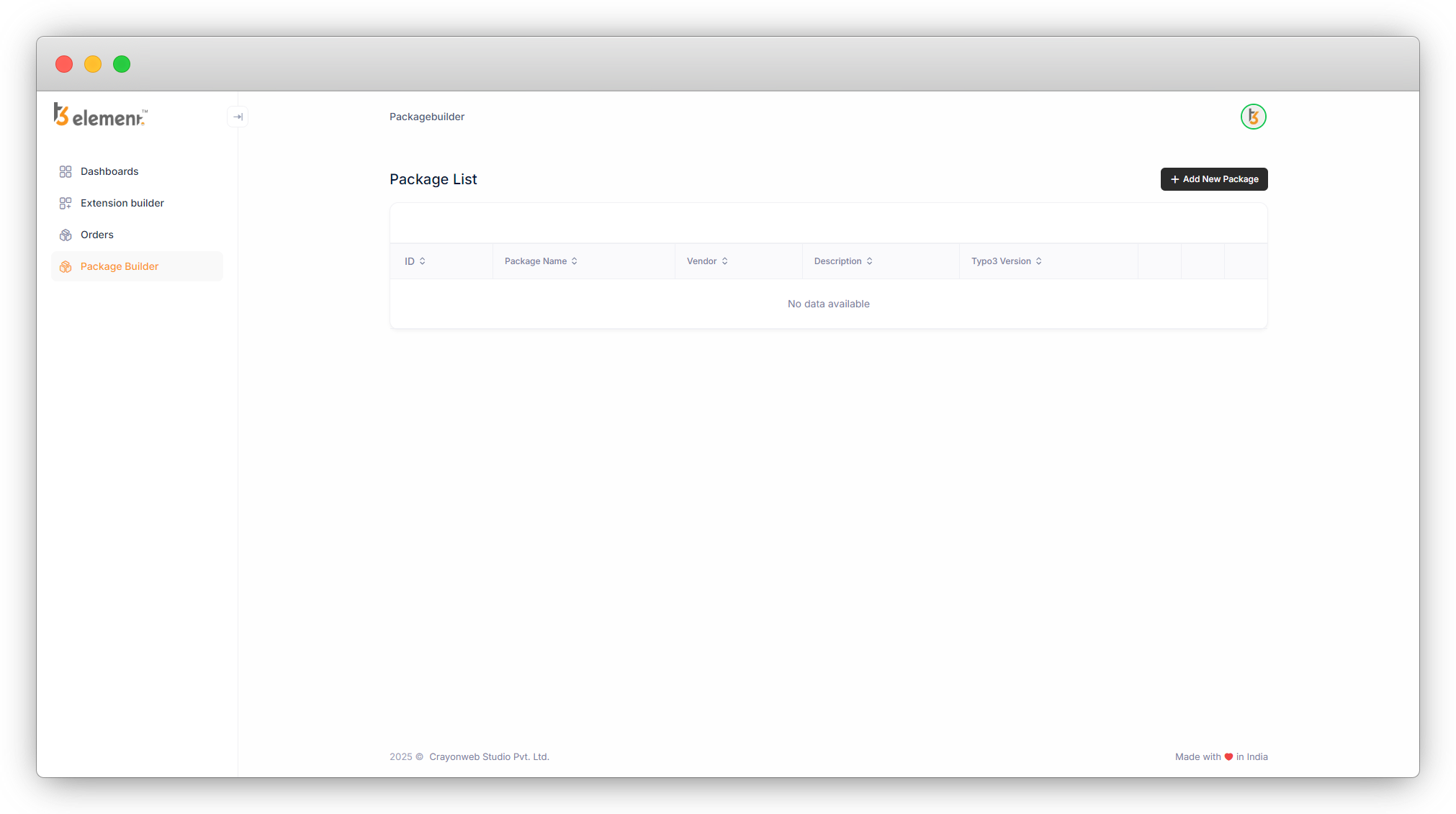
1. After registration, On the left side you can see the sidebar, just below the Dashboard tab, you’ll see the Package Builder tab. Click on it.
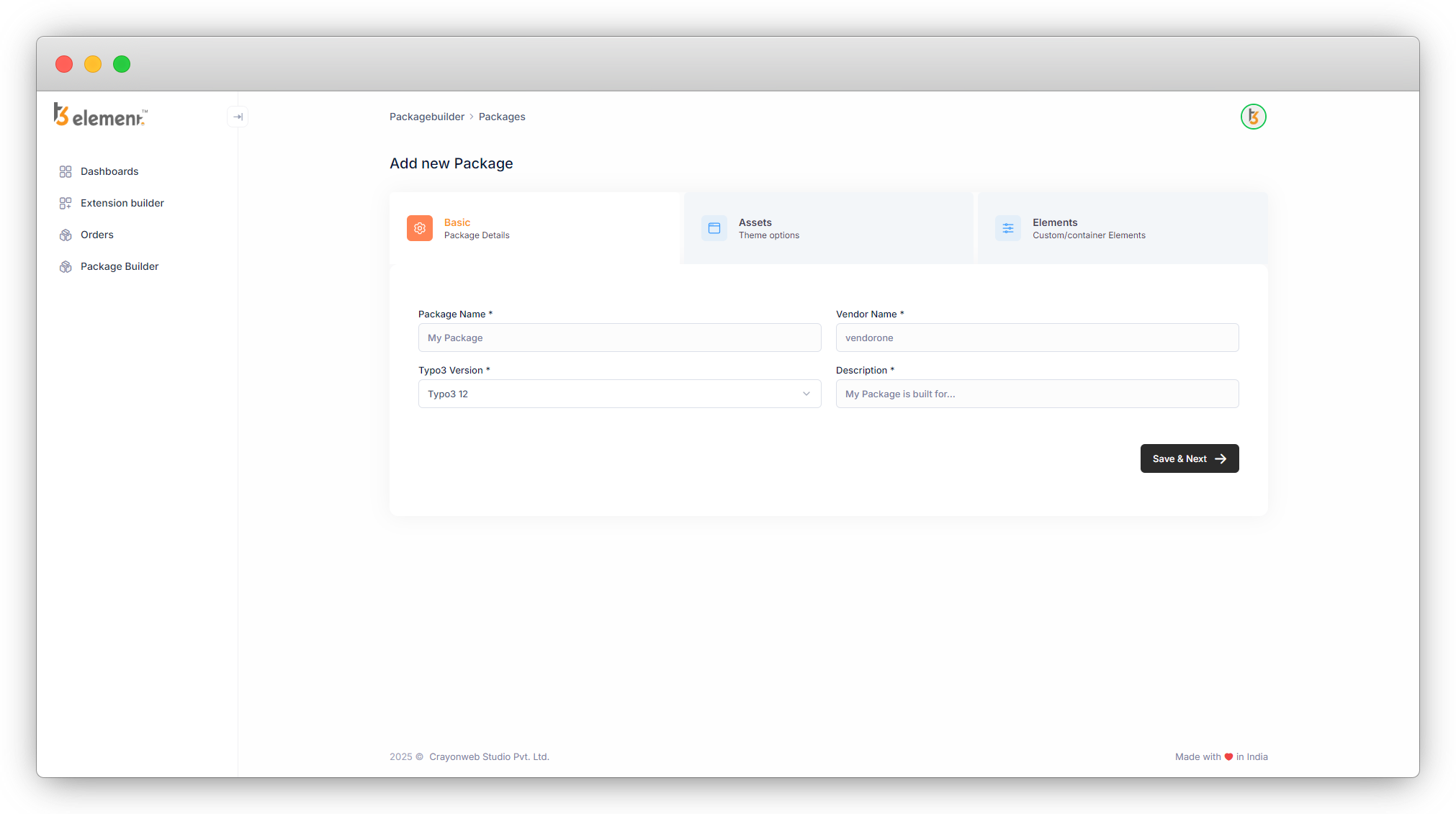
2. There are 3 tabs – Basic, Elements and Assets.
1. Basic : You will be able to add basic info from here.
2. Elements : You will be able to create custom elements from here.
3. Assets : You will be able to create a Header and footer and upload CSS and JS files from here. And also you can write custom CSS and JS.
Share



