



URL copied to clipboard

How to create an extension in TYPO3
5 views
__readtime__ Min
read
(You can check the official doc. from here.)
1. Let’s create an extension in TYPO3. Before creating an extension, the vendor name and the extension key should be decided. Once you decide on the extension key and vendor name, you will have to check if that extension key is available or not in TER (TYPO3 Extension Repository) as the extension key must be unique.
2. You can check the extension key availability from here – https://extensions.typo3.org/.
3. If the extension key has already been used then please choose another key for the extension, as we can not use the extension key which is already in use.
4. Here we are taking the vendor name – “company” and the extension key – “employee”.
5. If you want to launch your extension and make it published, then you must be the owner of the vendor name and should register it on Packagist.
6. Let’s check for the extension key availability in TER.
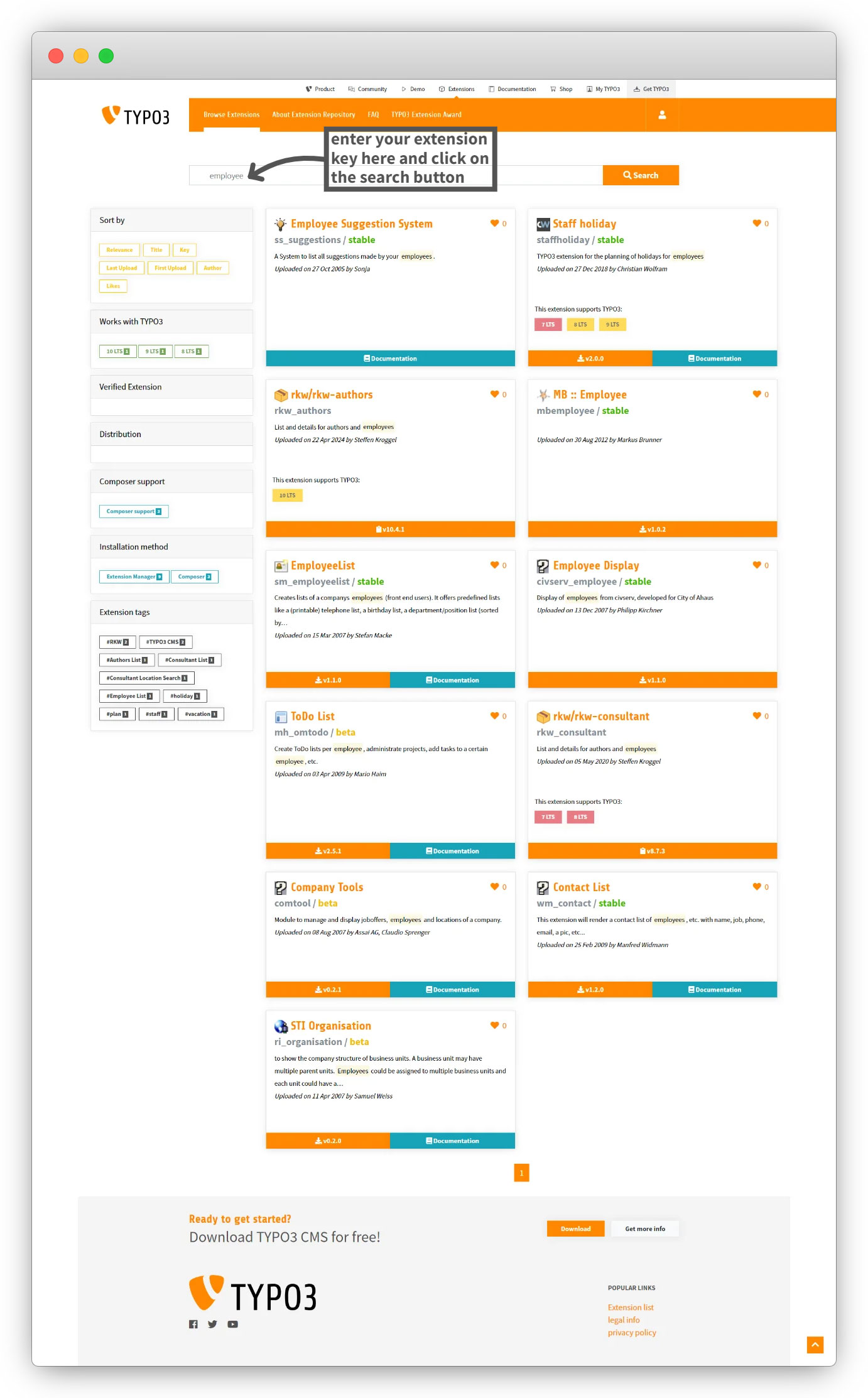
7. There is no extension that exists with the key “employee“, so we can go with this extension key.
8. If the extension key is already in use then you will see that extension in the list as seen in the screenshot below.
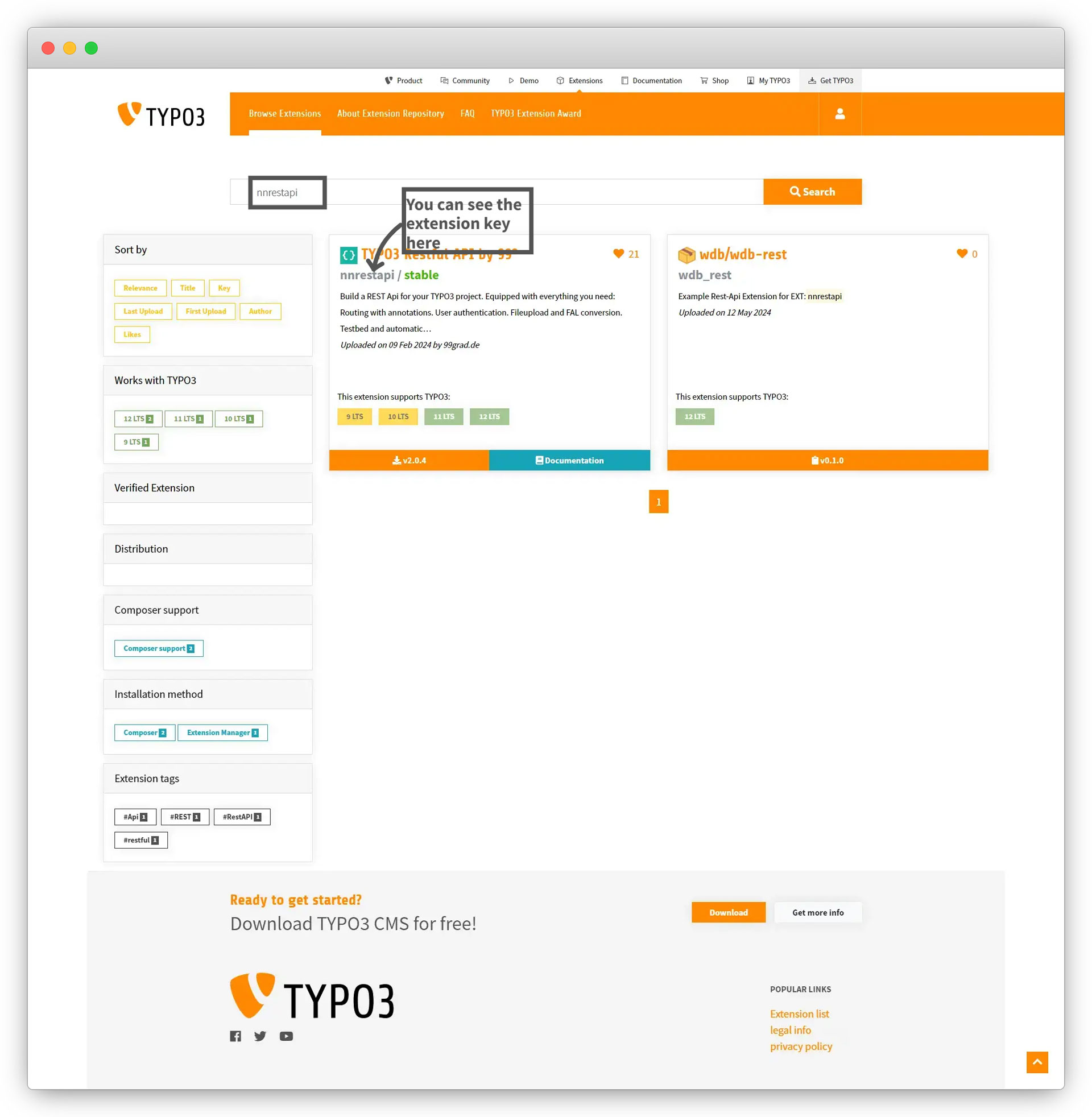
9. Things to follow to create an extension key are in this ref. link – https://docs.typo3.org/m/typo3/reference-coreapi/main/en-us/ExtensionArchitecture/BestPractises/ExtensionKey.html#choosing-an-extension-key.
10. Required files to create an extension are: i) ext_emconf.php and ii) composer.json
Share



