



URL copied to clipboard

5 views
__readtime__ Min
read
Navigate to: Insights > Comments
You will see a screen similar to the screenshot below, where all comments are listed.
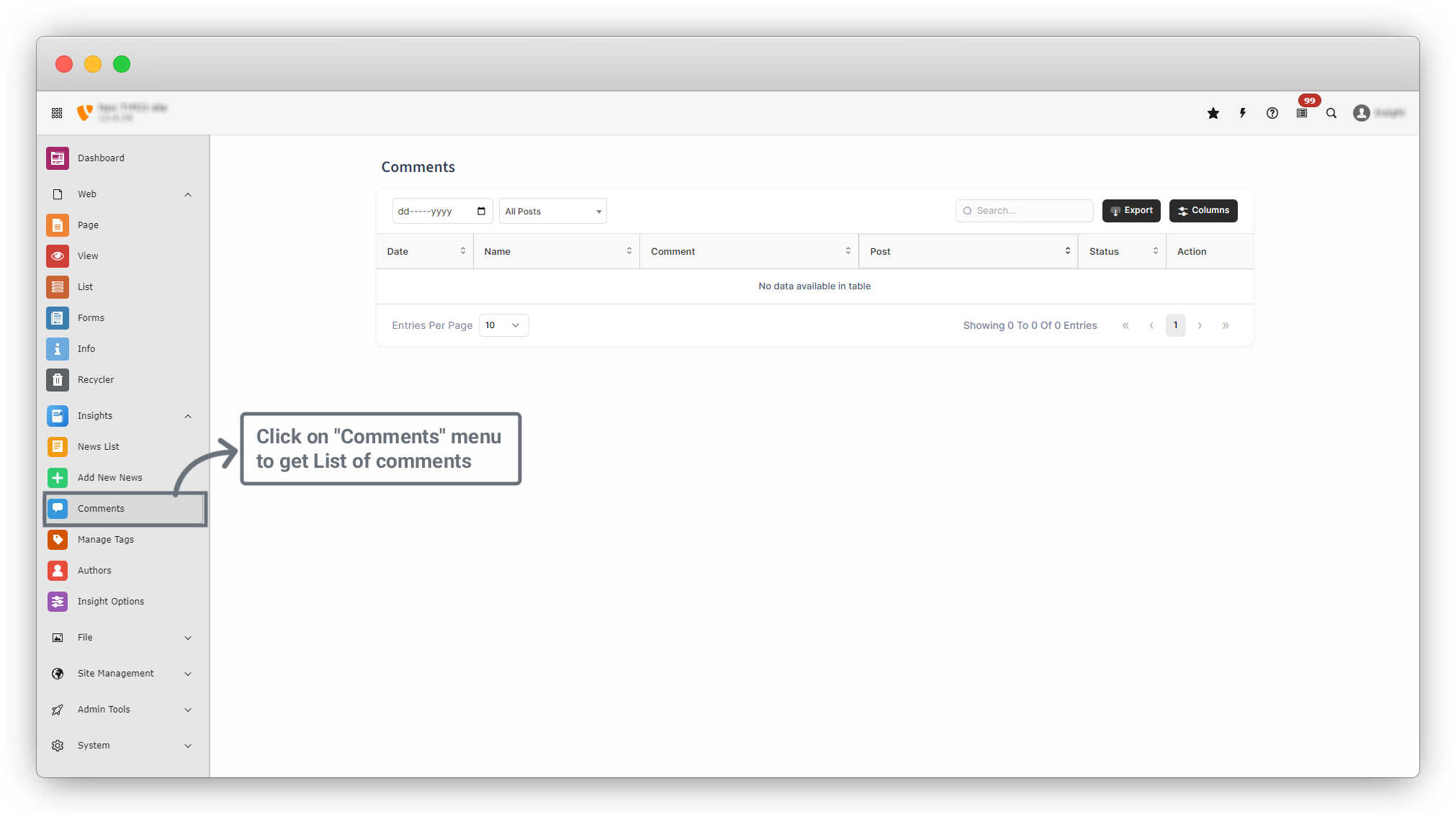
- From here you can:
- View all user comments
- Approve or reject comments
- Delete inappropriate comments
- Check which comment belongs to which post
- This section helps maintain content quality and manage comment moderation effectively.
- Filters & Search : At the top of the page, you can see filtering options you can filter news by Publish Date and News and you can Search by title or keyword.
- Comments Table Columns : In columns dropdown you can see other options of columns and you can get that columns in table also
- Additional Options : Export (Download news data), Columns (Show or hide table columns), Entries per Page (Control how many items appear per page)
Share



