



URL copied to clipboard

8 views
__readtime__ Min
read
After creating custom elements, now add assets to the package. Here you can upload some basic assets like logo, favicon, CSS/JS files, fonts, etc.
1. Go to the Assets tab.
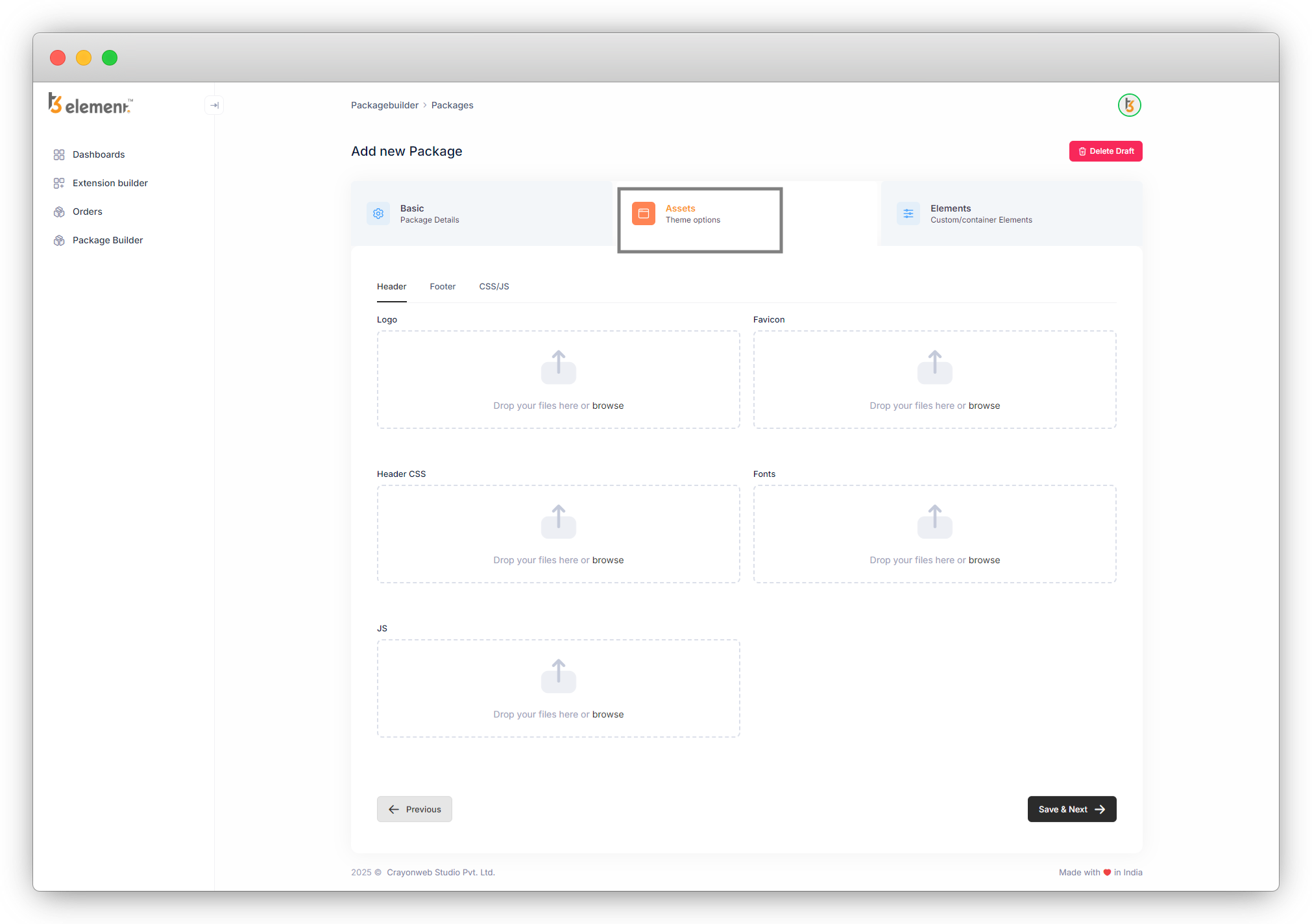
2. You can create a header and footer, upload CSS and JS files, and also can write custom CSS and JS.
Let’s understand by adding assets.
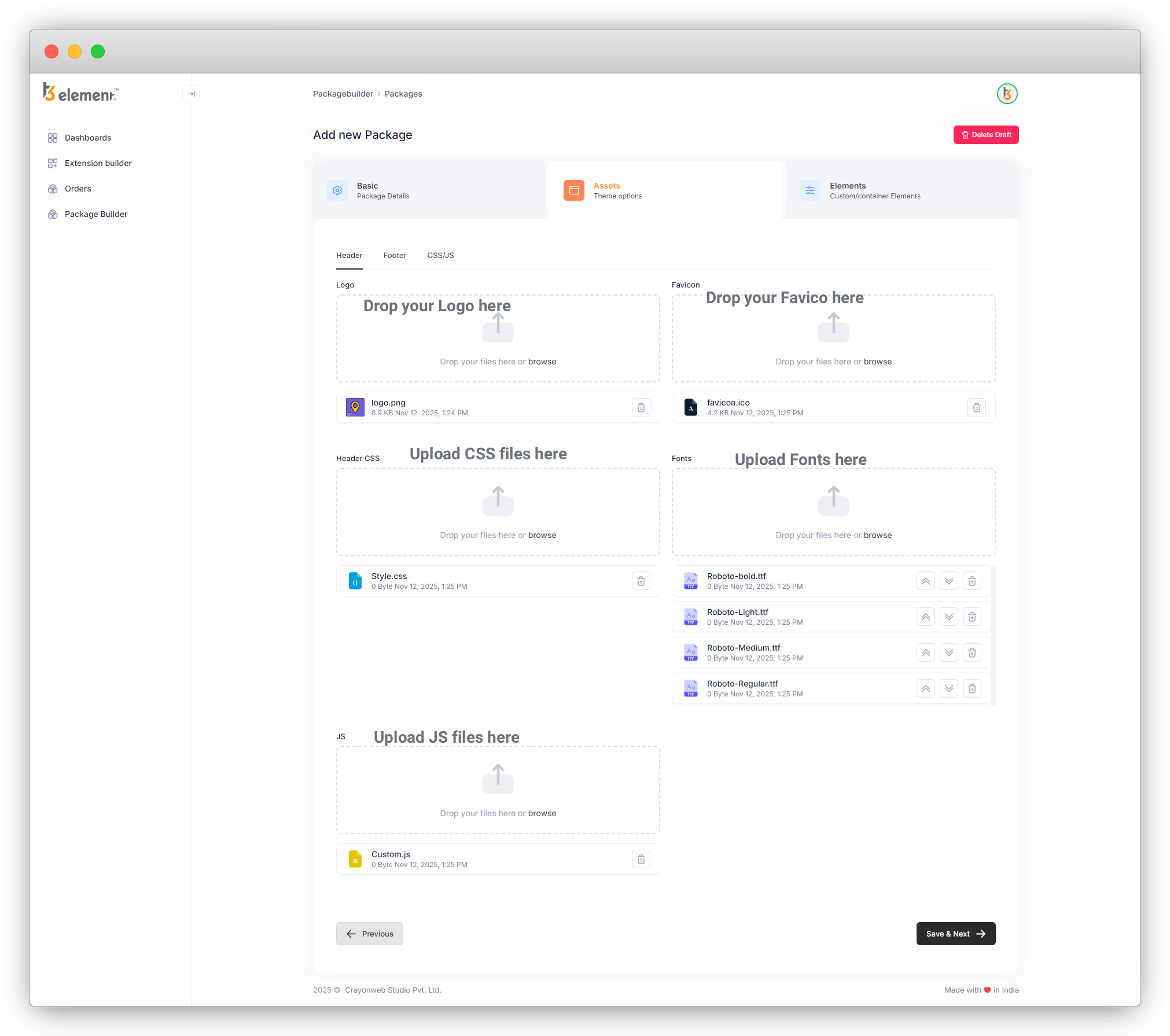
Add Header
Upload logo, favicon, CSS file, JS file, and fonts.
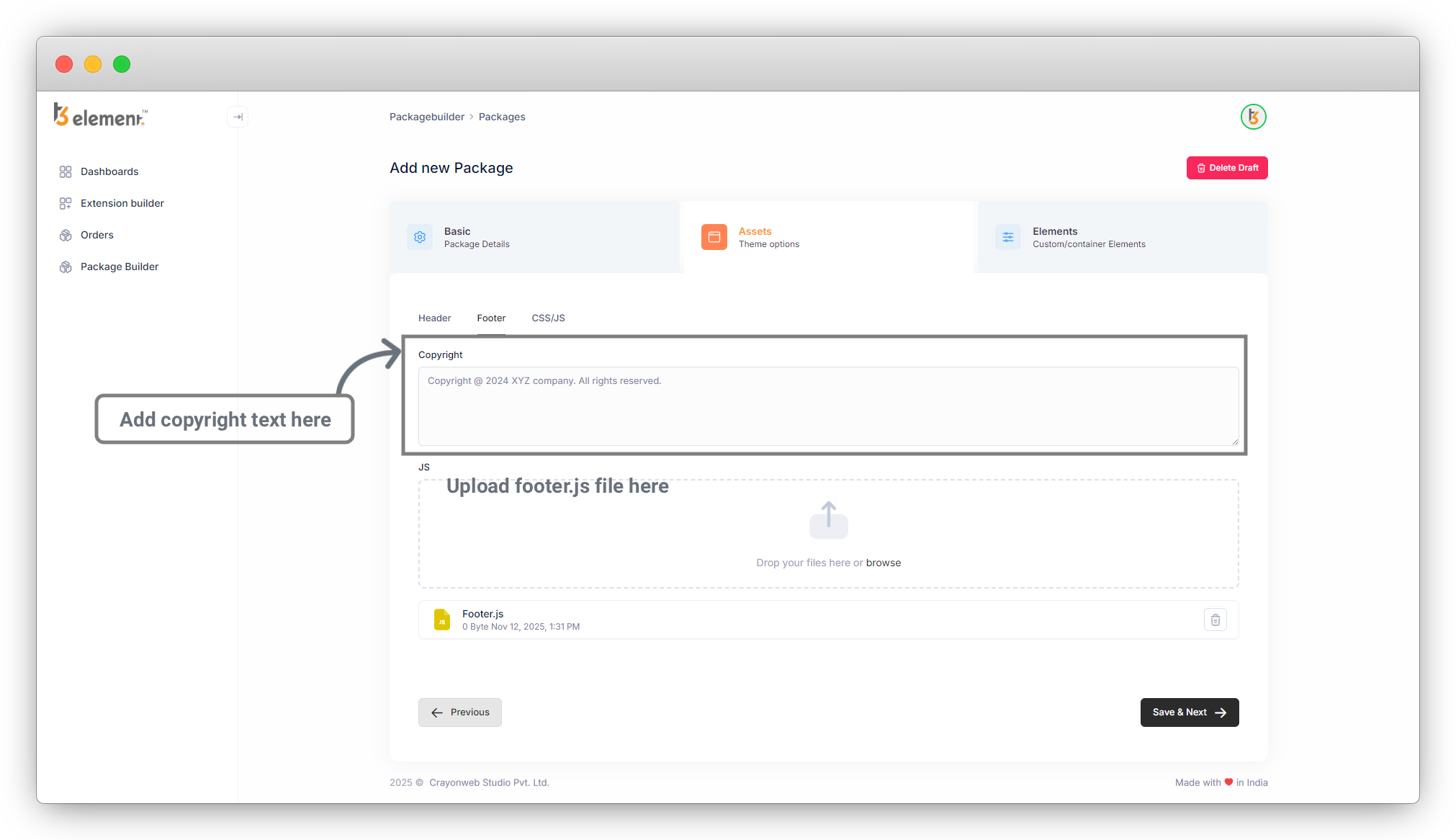
Add Footer
Add copyright text and upload a JS file for the footer.
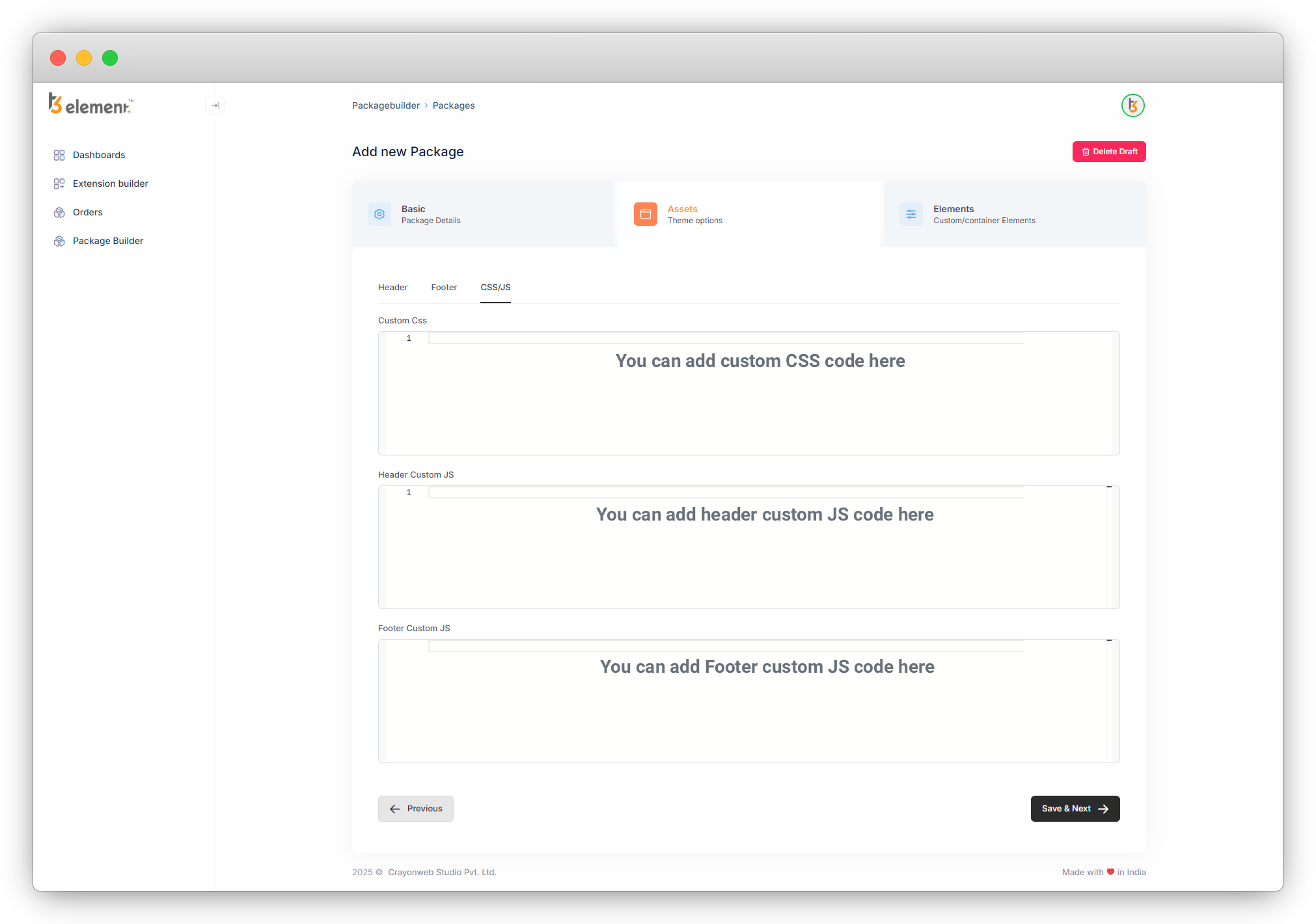
Add Custom CSS and JS Code
Write custom CSS and JS.
All assets will be saved automatically once the package has been built.
Share



