



URL copied to clipboard

Basic steps to create Package
5 views
__readtime__ Min
read
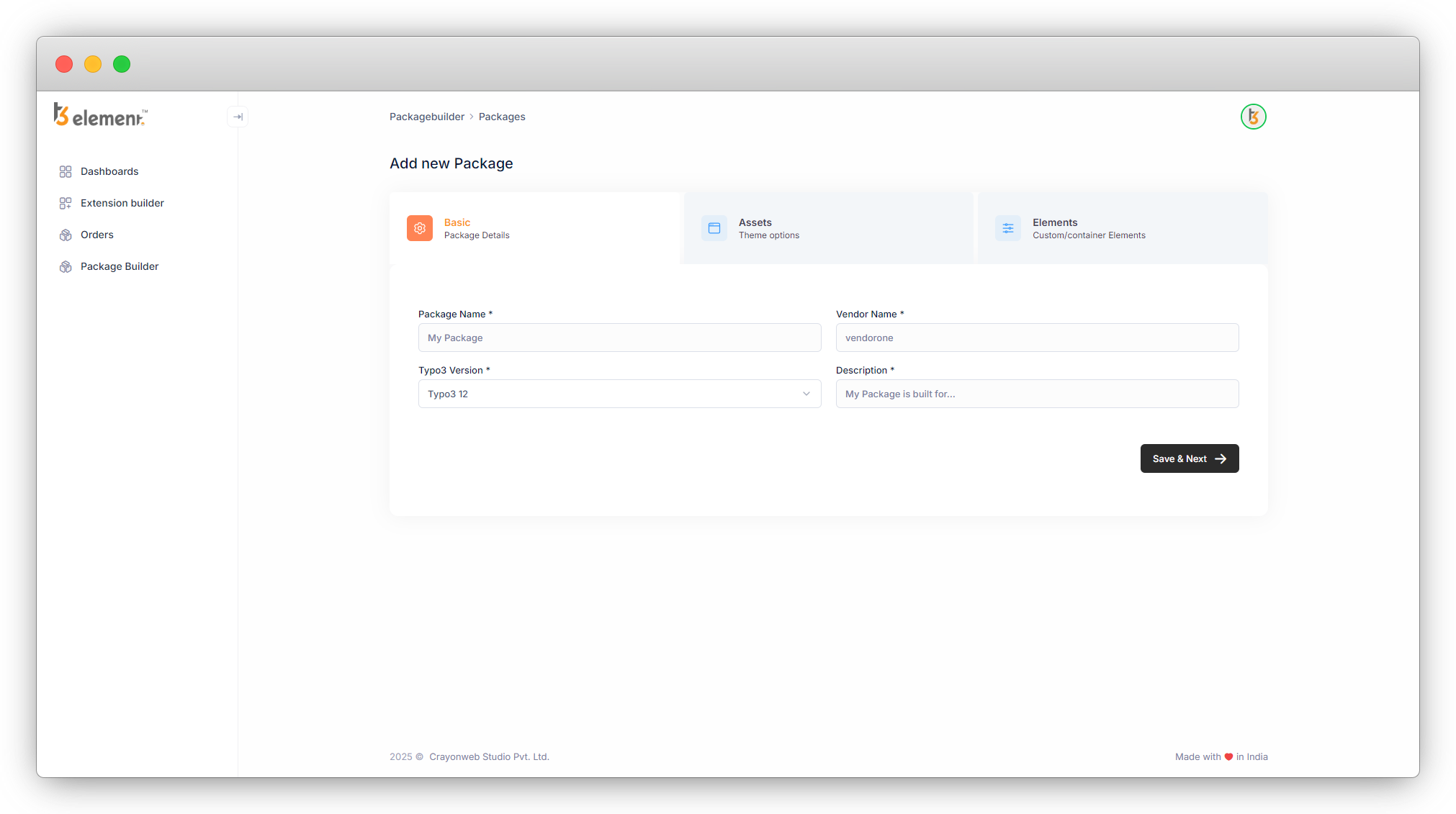
1. Enter your package name, Vendor Name, Typo3 version and Description, and click on “Save & Next” button. The Vendor Name will be converted to lowercase and will remove the space automatically if you have entered the Vendor Name in any other case except lowercase or have added any space.
2. After creating the package, you will be redirected to this screen.
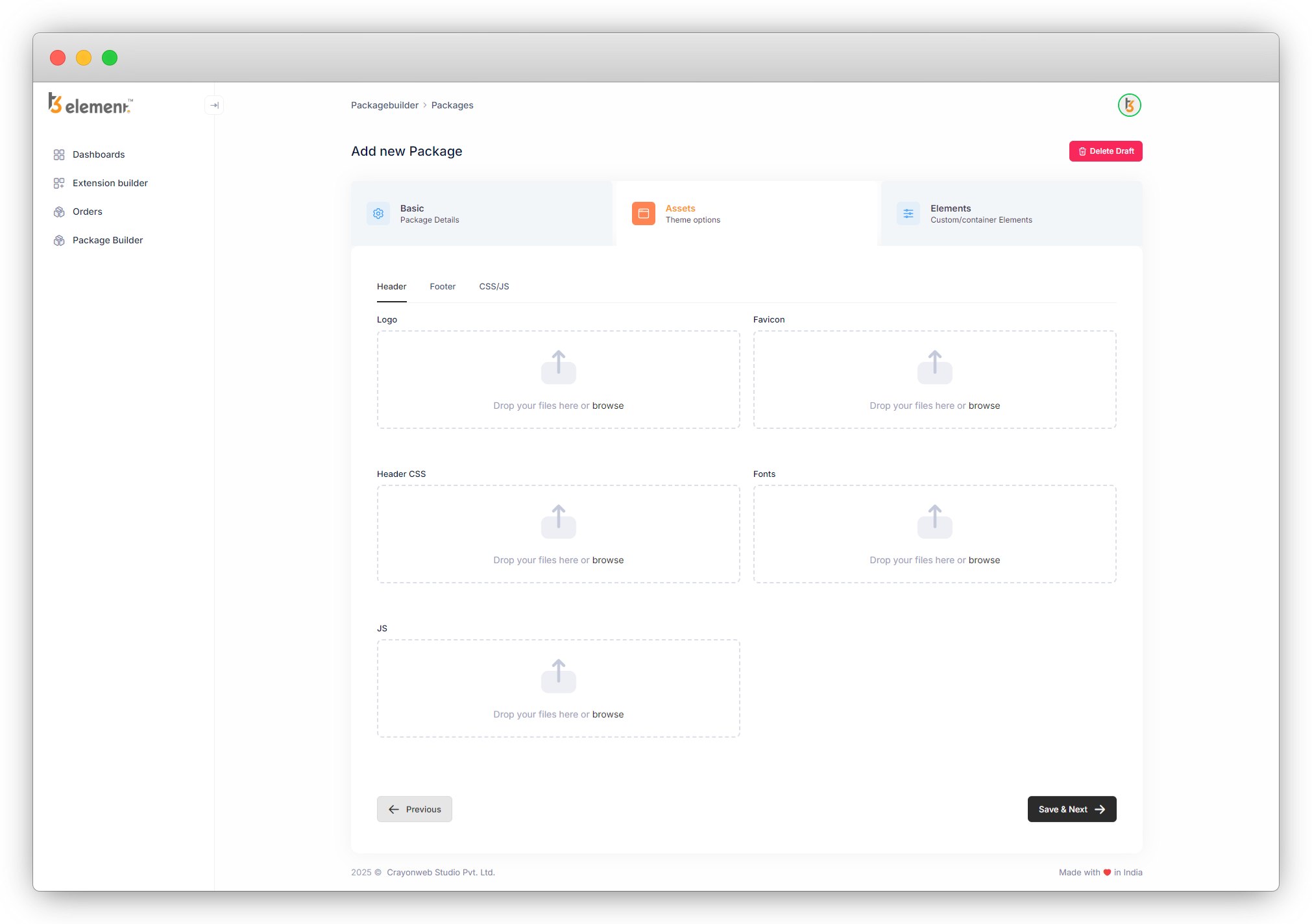
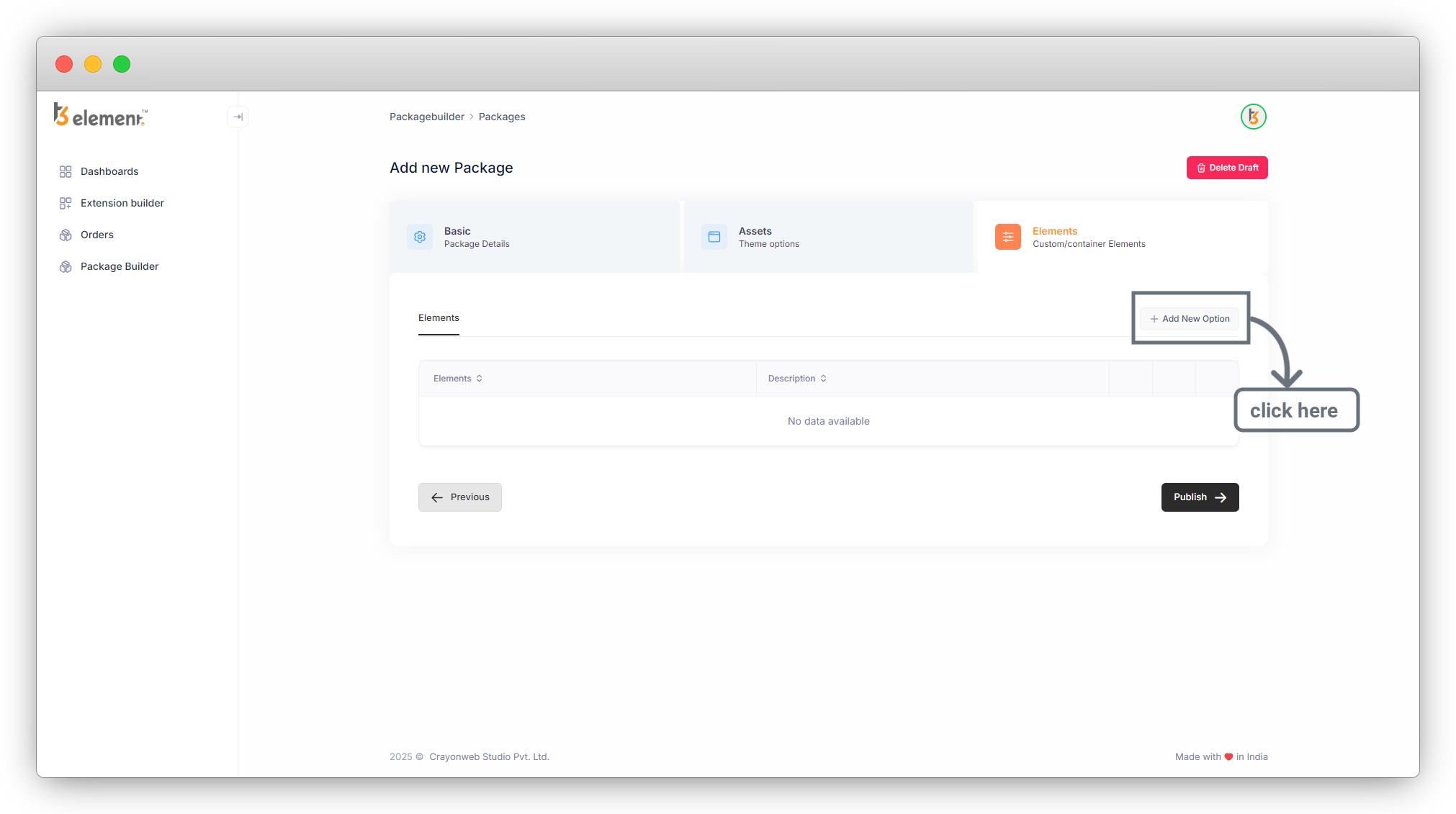
3. Without adding anything if you are clicking on “Save & Next” button you will be redirect in the Elements tab, press the button “Add New Option” to create a new element, and you will see the popup menu there.
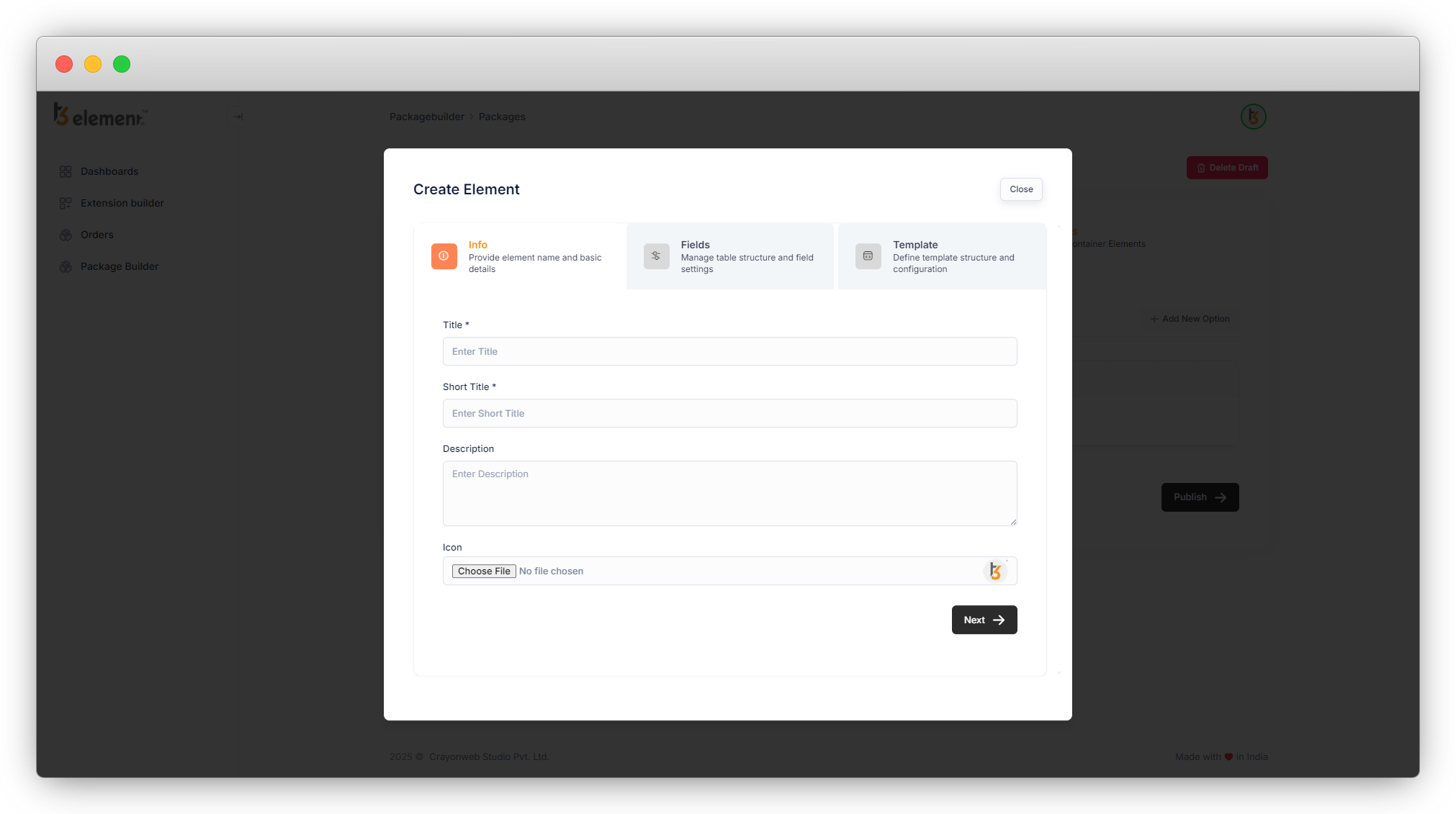
4. There are 3 tabs – “Info”, “Fields” and “Template”.
1. Info: You will be able to add element name and basic details from here.
2. Fields: You will be able to add fields and manage table structure and field settings from here.
3. Template: You will be able to define template structure and configure template.
Share



