



URL copied to clipboard

Add icon for the extension
4 views
__readtime__ Min
read
1. To add the icon for the extension, you just need to upload the icon with the name “Extension.png” and upload the icon to employee/Resources/Public/Icons in employee extension. You should be punctual towards the name of icon.
2. After that you will see the icon is appearing for the extension.
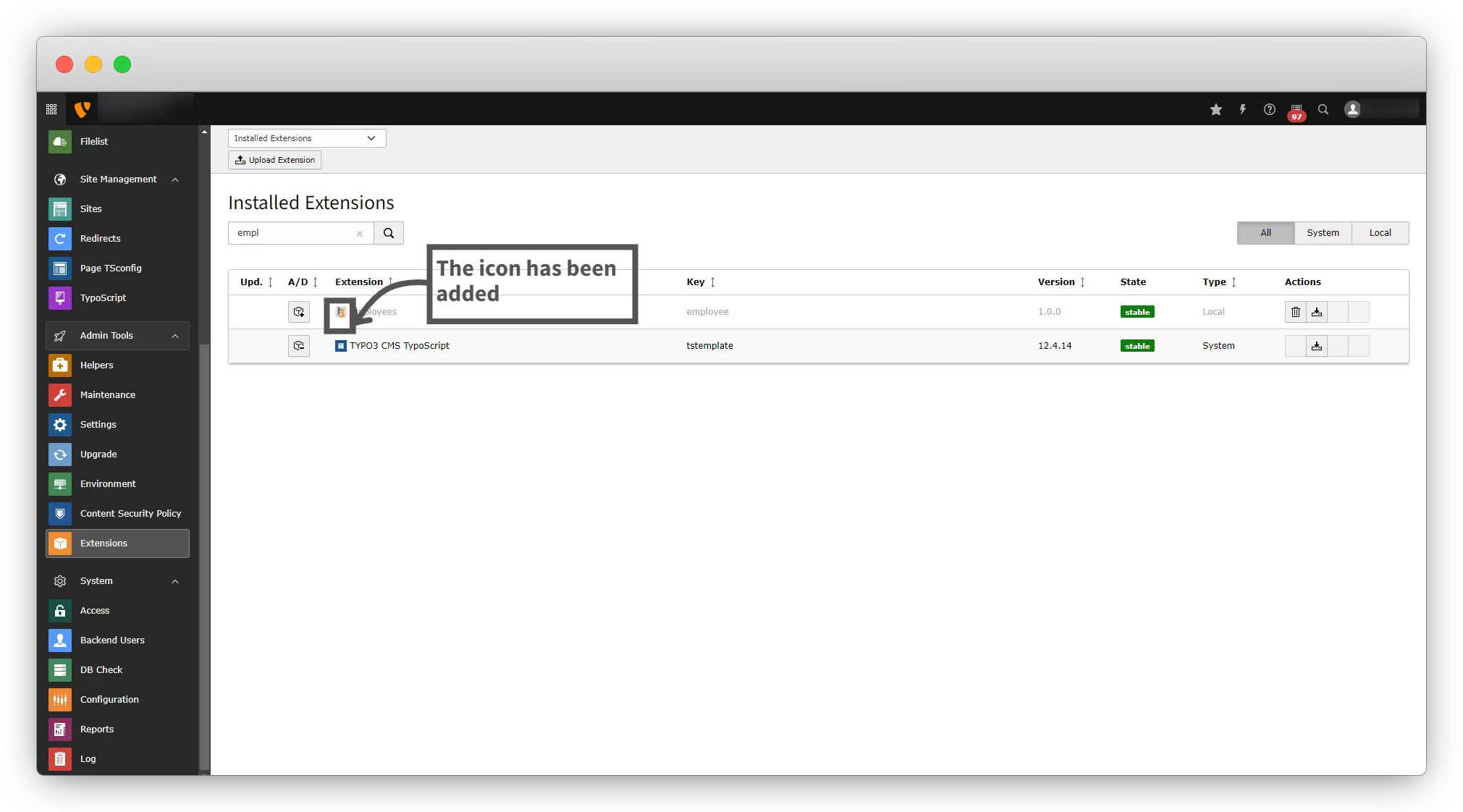
Activate the extension by clicking on the A/D (Activate/Deactivate) icon on the left of the extension.
Share



