



URL copied to clipboard

Plugin type – Filter
4 views
__readtime__ Min
read
A filter allows consumers to search for desired items more efficiently. So one can search for items according to the different categories. Let’s create a plugin to add a filter to the product list. Here you can add filters for multiple fields too.
1. In the plugin list, click on the “Add Plugin” button to add the new plugin.
2. Select the plugin type “Filter” and add the field information for the filter plugin.
3. As you select the plugin type “Filter”, you will see the below screen.
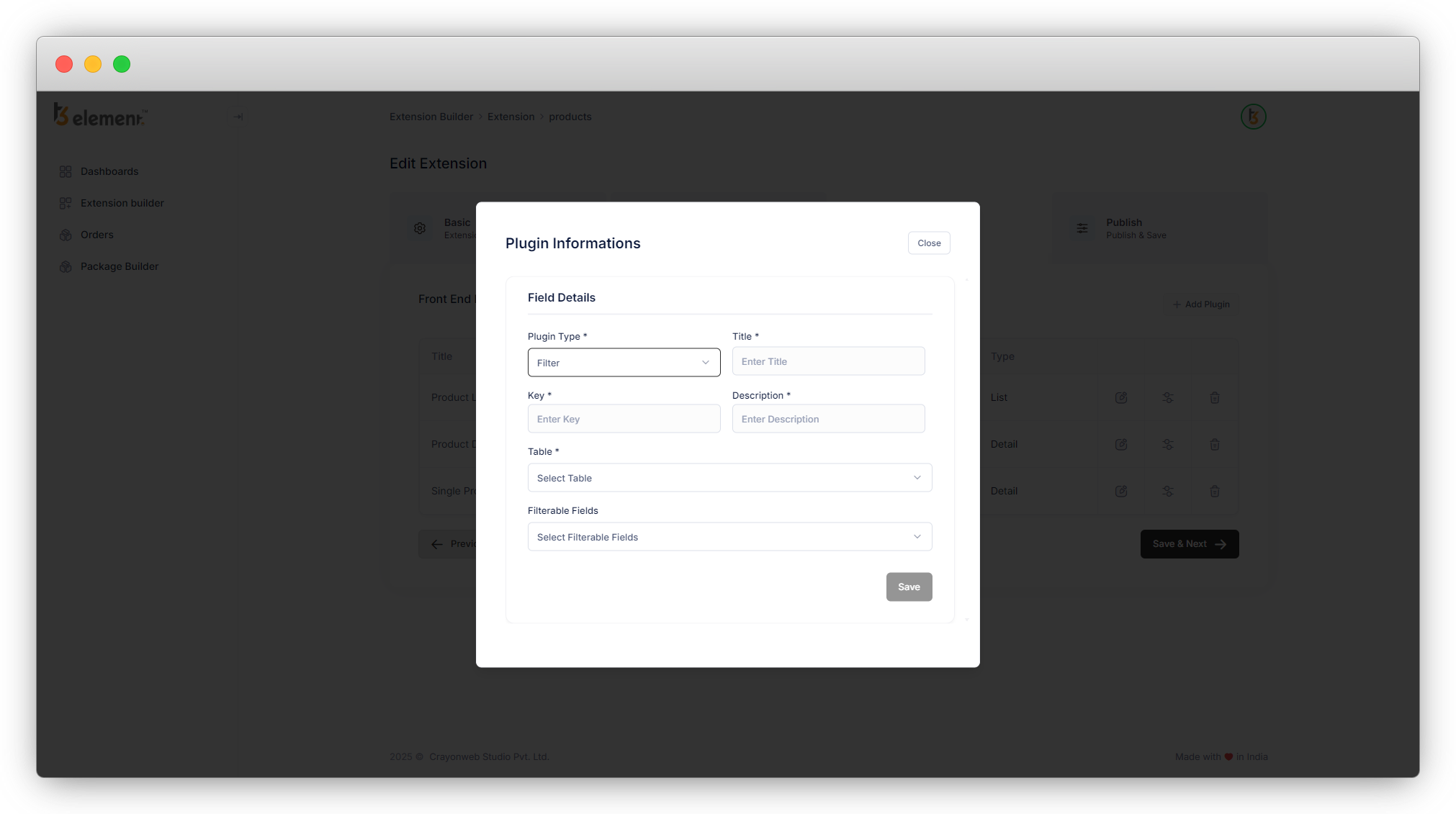
4. Add the Title, Key, and Description for the plugin. (Title and Key are the mandatory fields).
5. Let’s select the table “product” in the field “Table”.
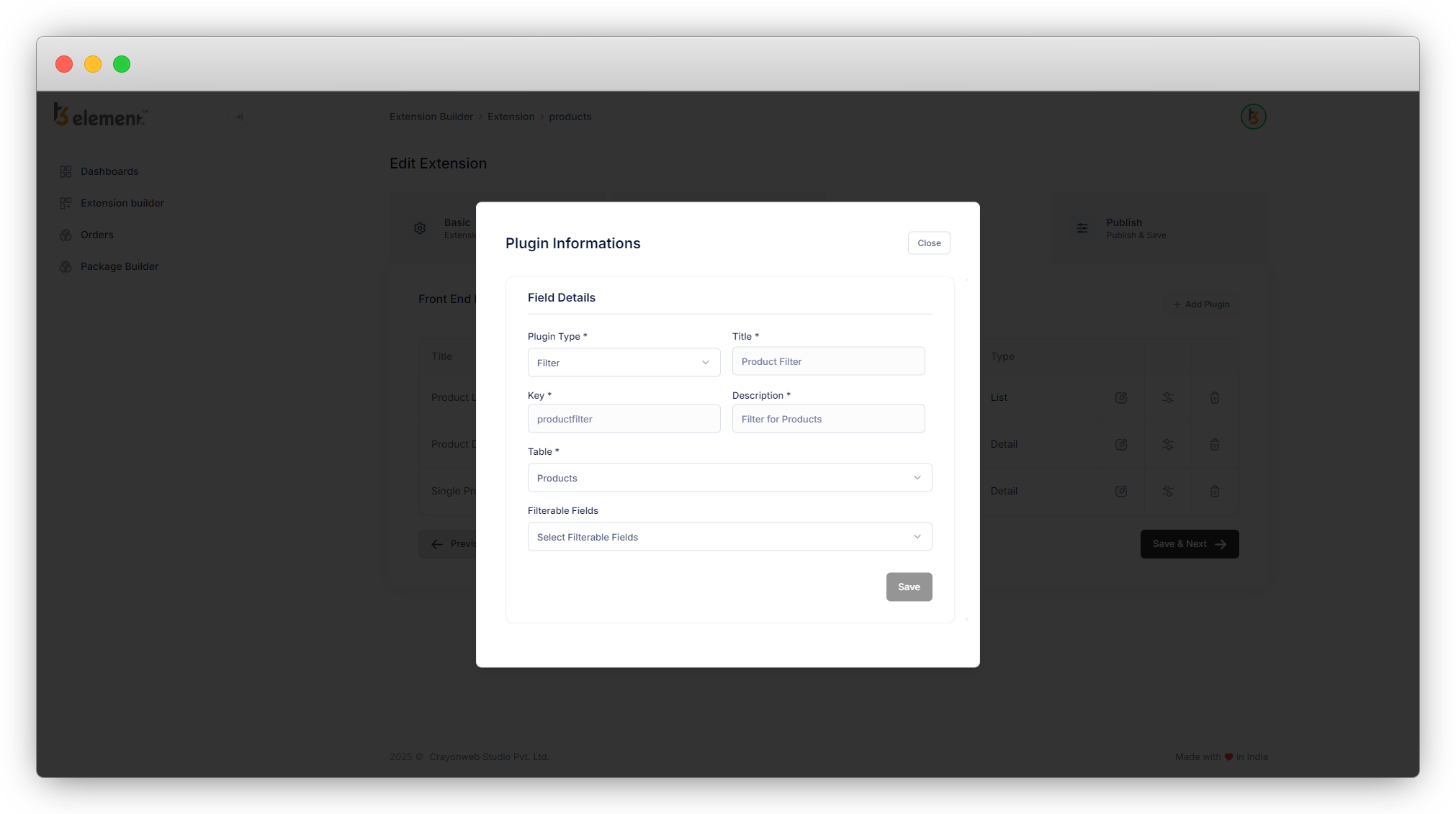
6. In “Filterable Fields” select the fields you want to filter the products by them. Here you will get options from your table. To get the options here, adding the “single select” field /”radio” field/”category” field in your table is a must. You will get the “single select” field /”radio” field/”category” field here in this field as an option. Let’s see the available options.
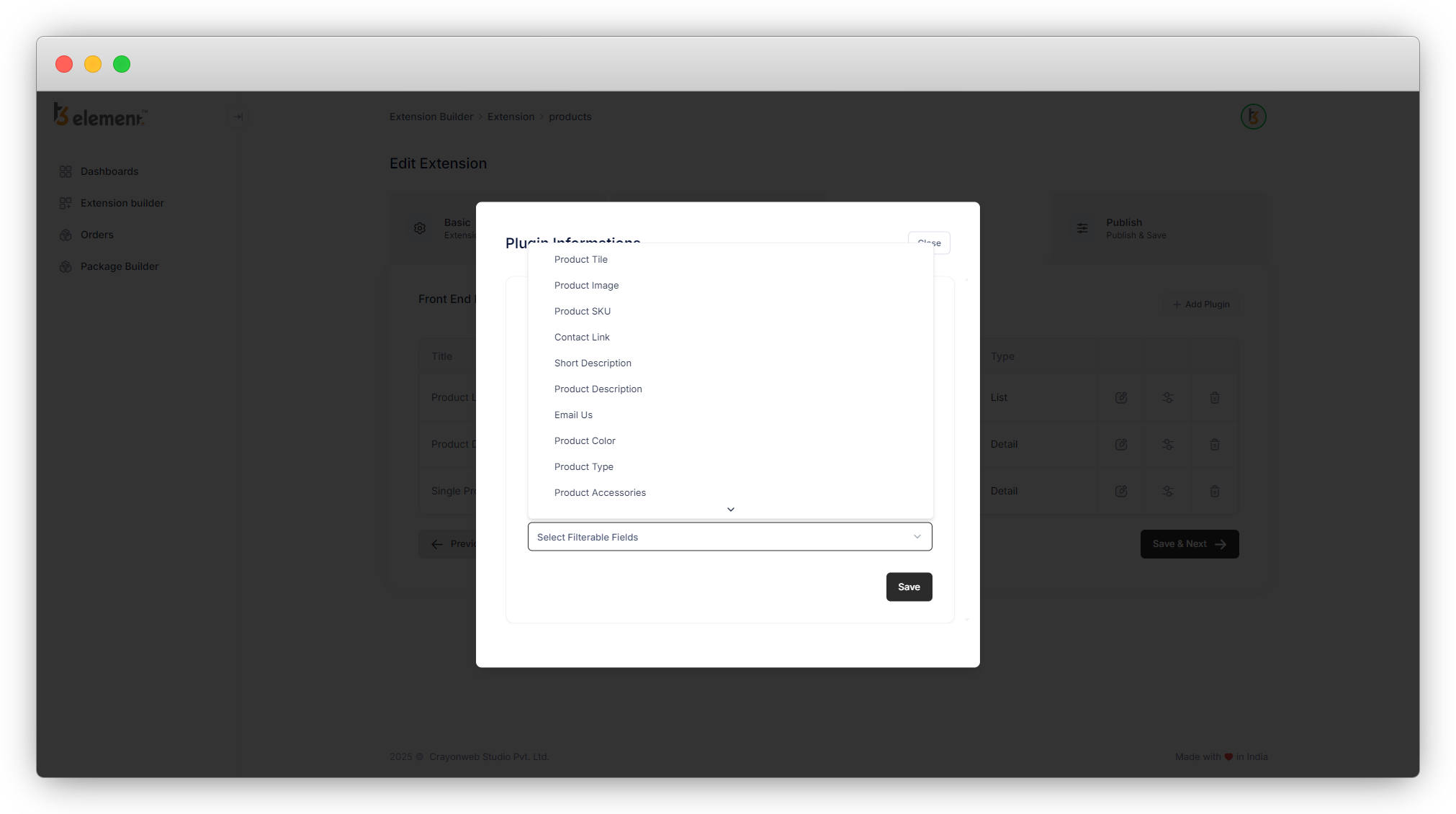
7. As in the product table, we have 2 “single select” fields – Product type and Product country and a “Category” field – Product category so as seen in the above screenshot we have 3 options for the filterable fields, The radio field would be listed as one of the filterable fields if it were present in the products table.
8. Let’s select the fields “Product Title” and “Product country” as filterable fields.
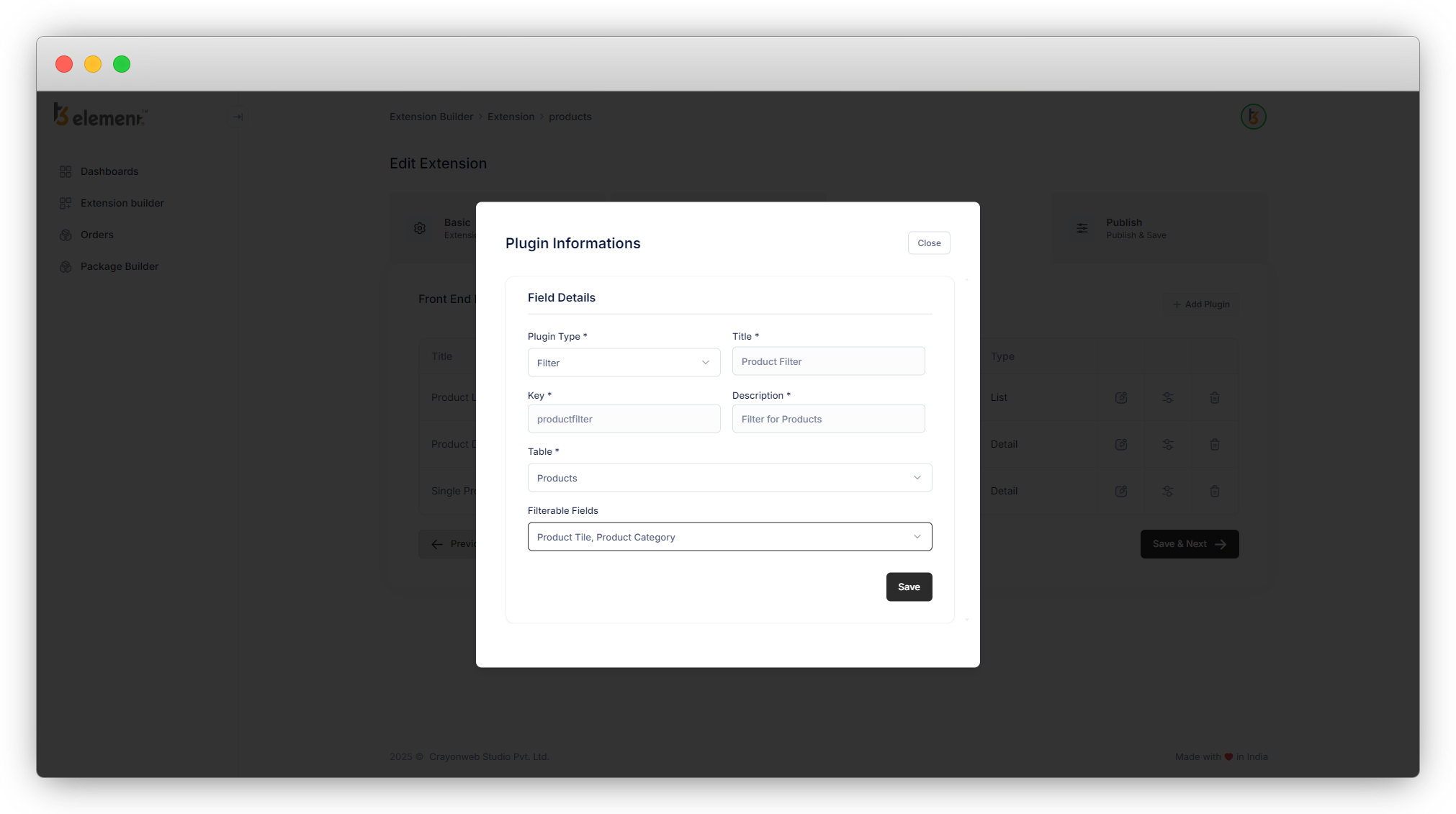
9. Click on the “Save” button to save the plugin information and after being redirected to the plugin list, open the template of the plugin by clicking on the second action icon, update the fluid template if you want to update it, else just click on the “Save” button so the template will be saved.
10. After creating the filter plugin, we will need to create a plugin “Filter Result” to show the result of the filter. E.g. if we are adding the filter to the product list, after we apply the filter we will need to see the filtered products and for that, we need to create the plugin “Filter Result”.
11. Let’s create the “Filter Result” plugin.
Share



